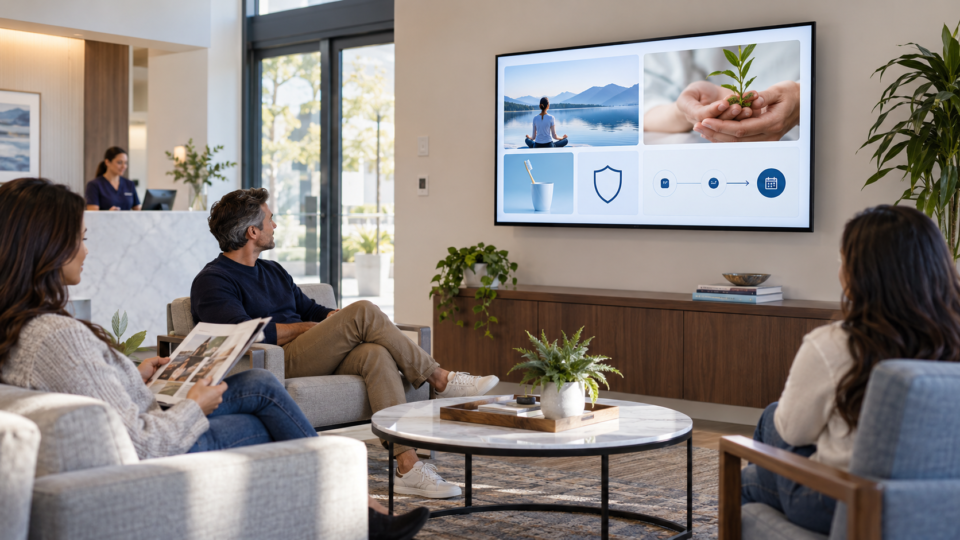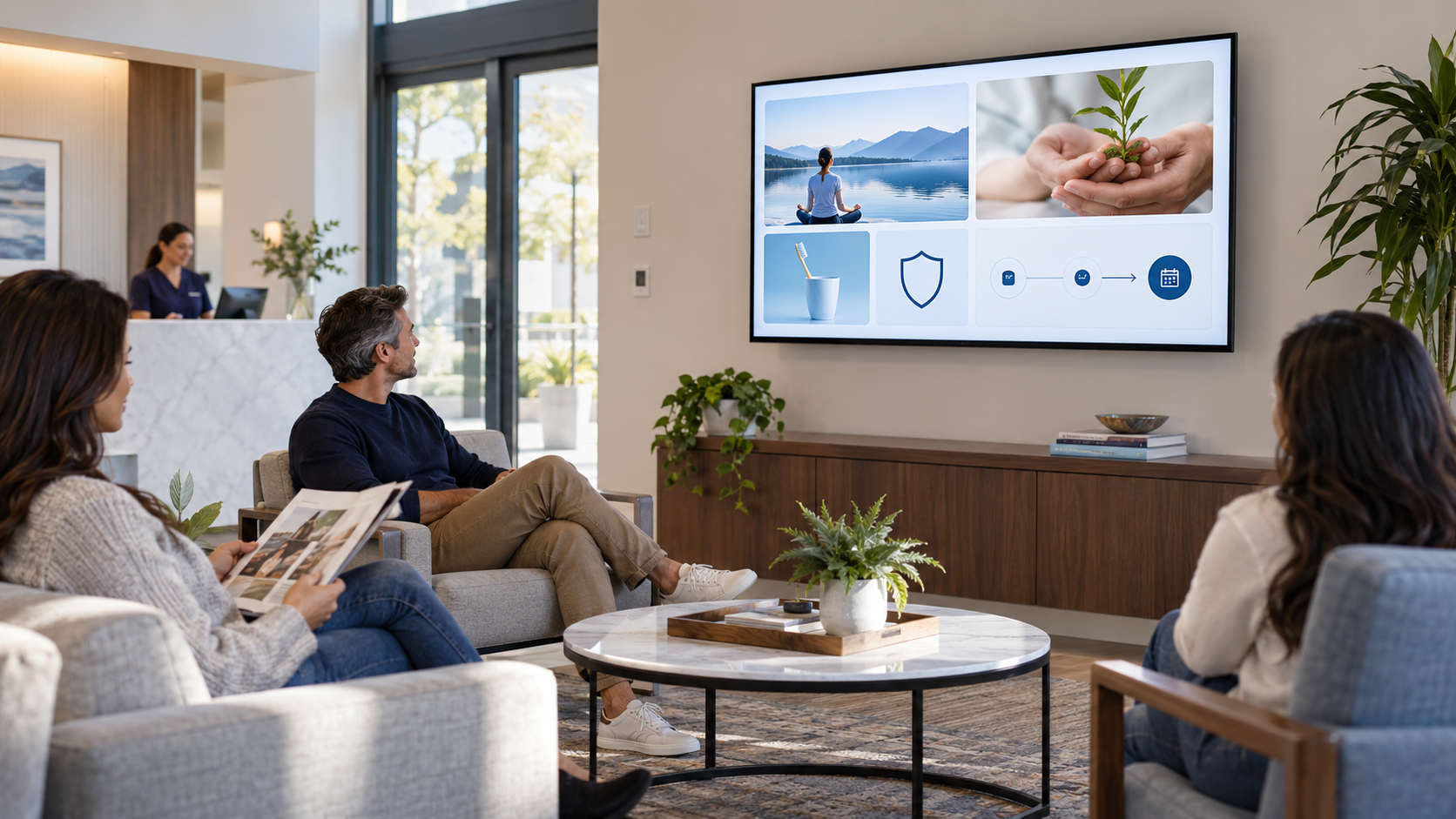
Packages, memberships, and add-ons can be useful to a customer, but a screen becomes easy to ignore when every slide feels like a sales pitch. The goal is not to hide the offer. It is to explain it clearly enough that the right customer knows when to ask.
Lead with usefulness, not urgency
Start with the customer situation: a guest who visits regularly, a patient who wants to understand what is included, or a shopper who needs a complementary option. Explain the value in plain language and let the customer choose the next conversation.
A better structure for offer screens
What is included?
Name the actual components. If terms or eligibility vary, say who can explain the details rather than oversimplifying them.
Who might ask about it?
Use a real context: “Regular guests may want to ask about…” or “If you are planning repeat visits, ask what this includes.”
Why does it matter?
Explain the practical benefit, such as convenience, planning, or access to a service—not an unverified financial or performance promise.
What is the one next step?
Ask the team, scan one approved page, or request a consultation. Do not put five choices on the same screen.
Balance the playlist around the offer
Place a membership or package screen between useful education, team, and trust messages. A massage business might pair it with arrival expectations and practitioner introductions. A restaurant might pair a catering message with a signature-dish story. A clinic might use service education before an administrative next step.
Common mistakes to avoid
- Using urgency that is not real or no longer current.
- Showing a price without the necessary context.
- Promising outcomes you cannot guarantee.
- Repeating the same offer every other slide.
- Leaving an expired promotion in the playlist.
Use How to Promote Higher-Margin Services Inside Your Business for the discovery side of the message and The 4-Part Screen Mix to keep the rotation balanced.
Make offers clear, not pushy
Pair and Play helps businesses keep approved package, membership, and next-step messages in a rotation that still feels useful to the customer.
Start at $0 today with two included screens. See setup options.