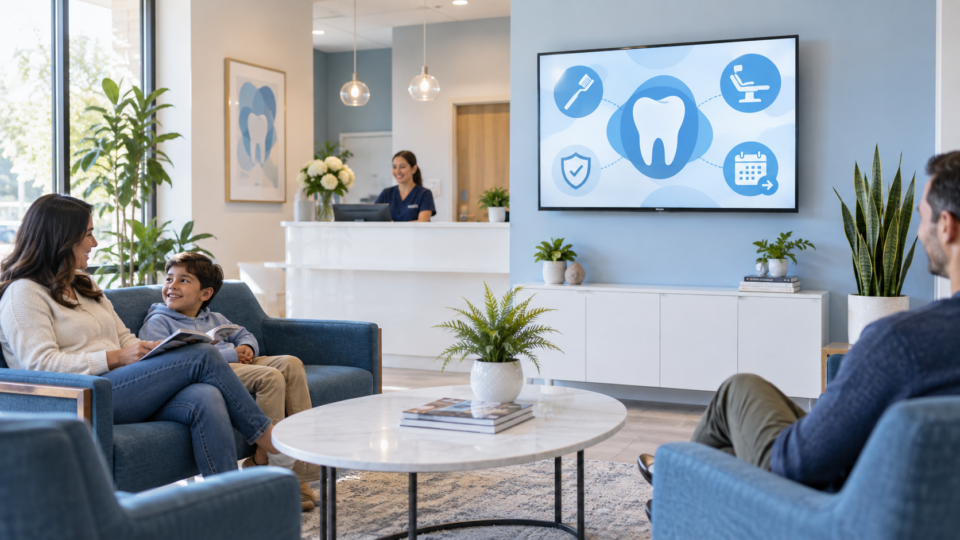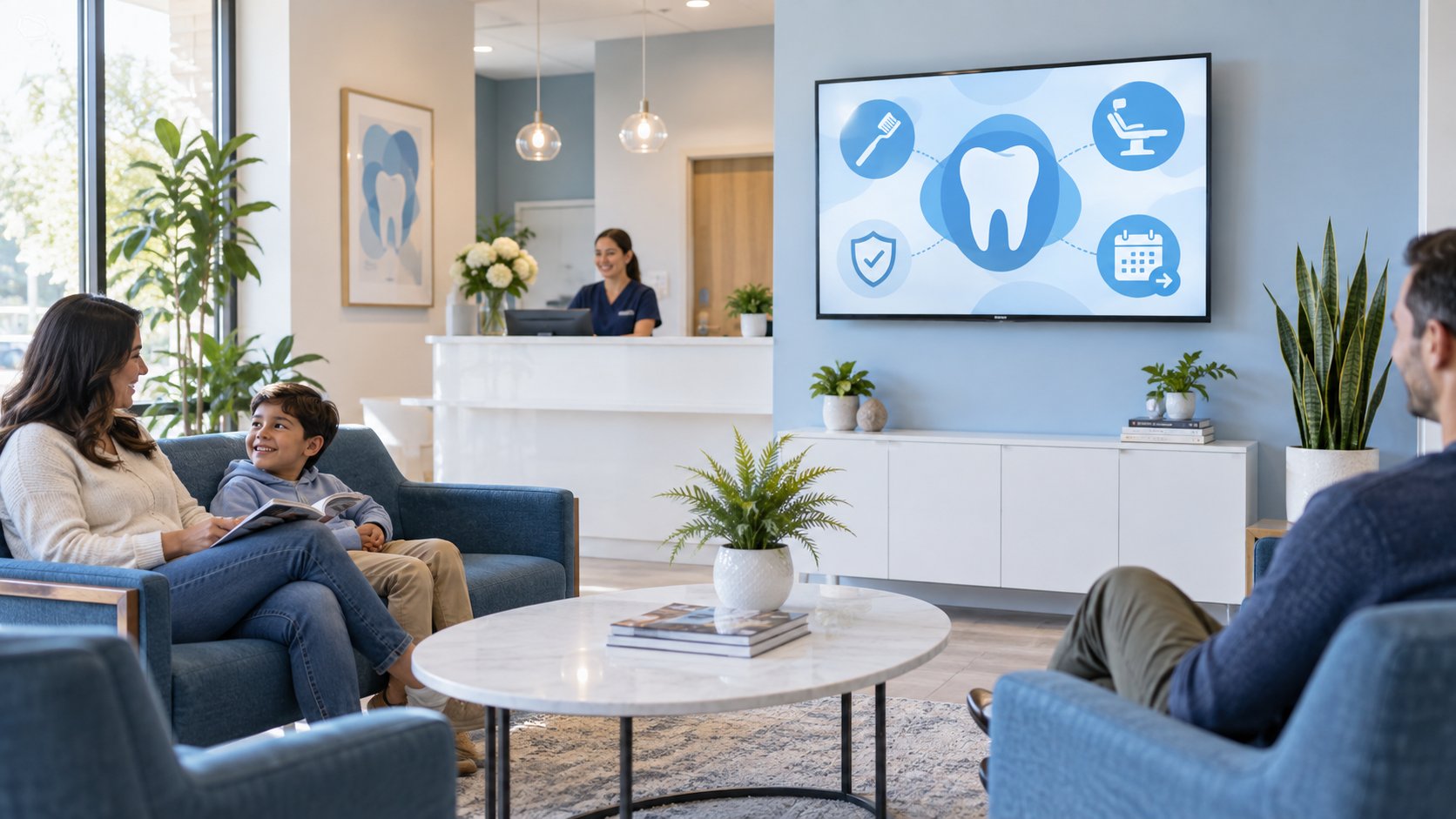
A dental waiting room TV is most useful when it makes the next conversation easier. Patients are often deciding whether to ask a question, trying to understand a recommendation, or simply wondering what happens next. Give the screen one job at a time: explain, reassure, or point to a clear next step.
This guide gives you 15 messages a dental practice can actually build into a rotation. They are not diagnoses or treatment advice. They are prompts your clinical and front-desk teams can tailor to the services, language, and policies of your own office.
Start with the patient moment
Use short screens with one idea and a readable headline. A person filling out paperwork should be able to understand the point in a few seconds. If a message needs more detail, use the screen to invite a question or link to a practice-approved page instead of trying to teach everything at once.
15 things to show on a dental waiting room TV
1. What happens at a first visit
A first-visit screen can lower uncertainty without making promises about an individual exam. Show the usual flow—check in, meet the team, share concerns, and ask questions—and add a line such as “Your visit may be different; our team will guide you.” This is especially useful for new patients and parents bringing in a child.
2. A plain-language preventive-care reminder
Explain what routine visits are designed to help the team notice and discuss. Keep the message general and use the office’s own wording. A simple “Questions about prevention? Ask us before you leave” makes the screen an invitation, not a lecture.
3. A professional-cleaning explainer
Patients may hear “cleaning” without knowing what the appointment includes in your practice. Use a calm visual sequence that explains the purpose of the visit and reminds patients to share sensitivity or concerns with the hygienist.
4. The difference between preventive and restorative conversations
Use an easy comparison: preventive care focuses on routine attention and early questions; restorative care may be discussed when the team identifies a concern. Do not list treatments as though they are right for everyone. The goal is to make the terminology less intimidating.
5. X-rays explained without pressure
A short screen can say why the team may discuss imaging and remind patients that frequency and need are determined by the dental professional. That gives a patient useful context before the conversation begins.
6. A sensitivity question prompt
Instead of claiming a cause for sensitivity, use a screen that asks, “Have hot, cold, or sweet foods been bothering you?” Then invite the patient to mention it during the visit. This turns a quiet concern into a practical conversation starter.
7. A night-guard conversation starter
If your practice offers this service, explain the customer problem—not a hard sell. For example: “Jaw soreness, clenching, or worn teeth are worth mentioning to your dental team.” A patient can then ask whether a night guard conversation is appropriate.
8. An oral-health tip approved by the clinical team
One clear habit tip can be useful, but it should be accurate, readable, and reviewed by your practice. Rotate these sparingly so the screen does not become a wall of reminders.
9. A child-friendly first-visit message
For family practices, use reassuring language directed at both the parent and child. Show what a young patient might see or do, such as meeting the team and learning how the chair works. Avoid a one-size-fits-all age or care recommendation unless your clinicians approve it.
10. Meet the team
Show a warm photo, name, role, and one helpful detail: “Jordan helps new patients feel settled before their visit.” This builds familiarity before an anxious patient is called back.
11. A service patients may not realize you provide
Choose one service your office genuinely offers and explain when someone might ask about it. A clear aligner screen, for example, should invite a consultation rather than imply candidacy. Keep the next step simple: “Ask us whether this is worth discussing.”
12. What to bring or update
Administrative screens can reduce friction. Remind patients to bring a current insurance card if your office uses it, complete forms, or update a phone number. These messages are useful because they solve a real front-desk problem without consuming staff time.
13. A before-you-leave checklist
Use a short checklist: schedule the next visit, ask about instructions, confirm contact details, or request a receipt. Keep only the steps that apply to your office. The best checklists are specific enough to act on immediately.
14. A QR code with one useful destination
A QR code works when the label clearly says what opens: “Open our new-patient forms,” “Request your next visit,” or “Read our after-visit instructions.” Test it from the farthest likely seat, and make sure the destination works well on a phone.
15. A clear after-visit contact reminder
End the rotation with a simple message about how to reach the office with non-urgent follow-up questions. That is more helpful than a generic thank-you slide because it tells the patient what to do when they need clarification.
Build a rotation instead of one long slideshow
Do not show all 15 ideas every day. Start with five: one first-visit or process message, one service-discovery message, one team or trust message, one practical reminder, and one next step. Then adjust based on the questions your staff actually hears.
For more broad content ideas, see What Should I Put on a Waiting Room TV?. For the larger strategy behind a screen that educates, builds trust, and invites action, read What Is a SILENT SALES SCREEN™?.
Put the idea in the room
Pair and Play helps businesses turn a customer-facing TV into a screen with a job. Use your own approved content, build a simple playlist, and update it when the questions patients ask change.
Start with $0 today, two screens included, and a 14-day trial. See current TV and tablet setup options.