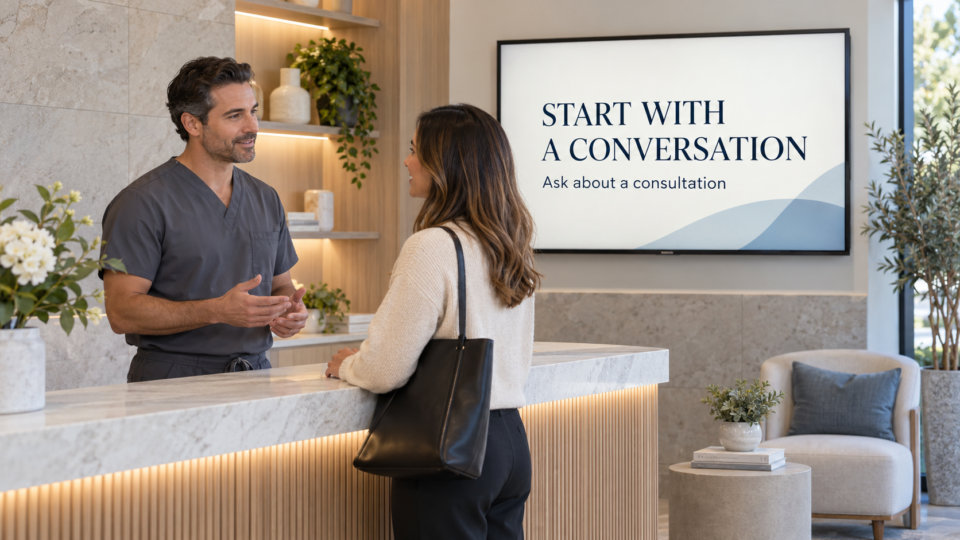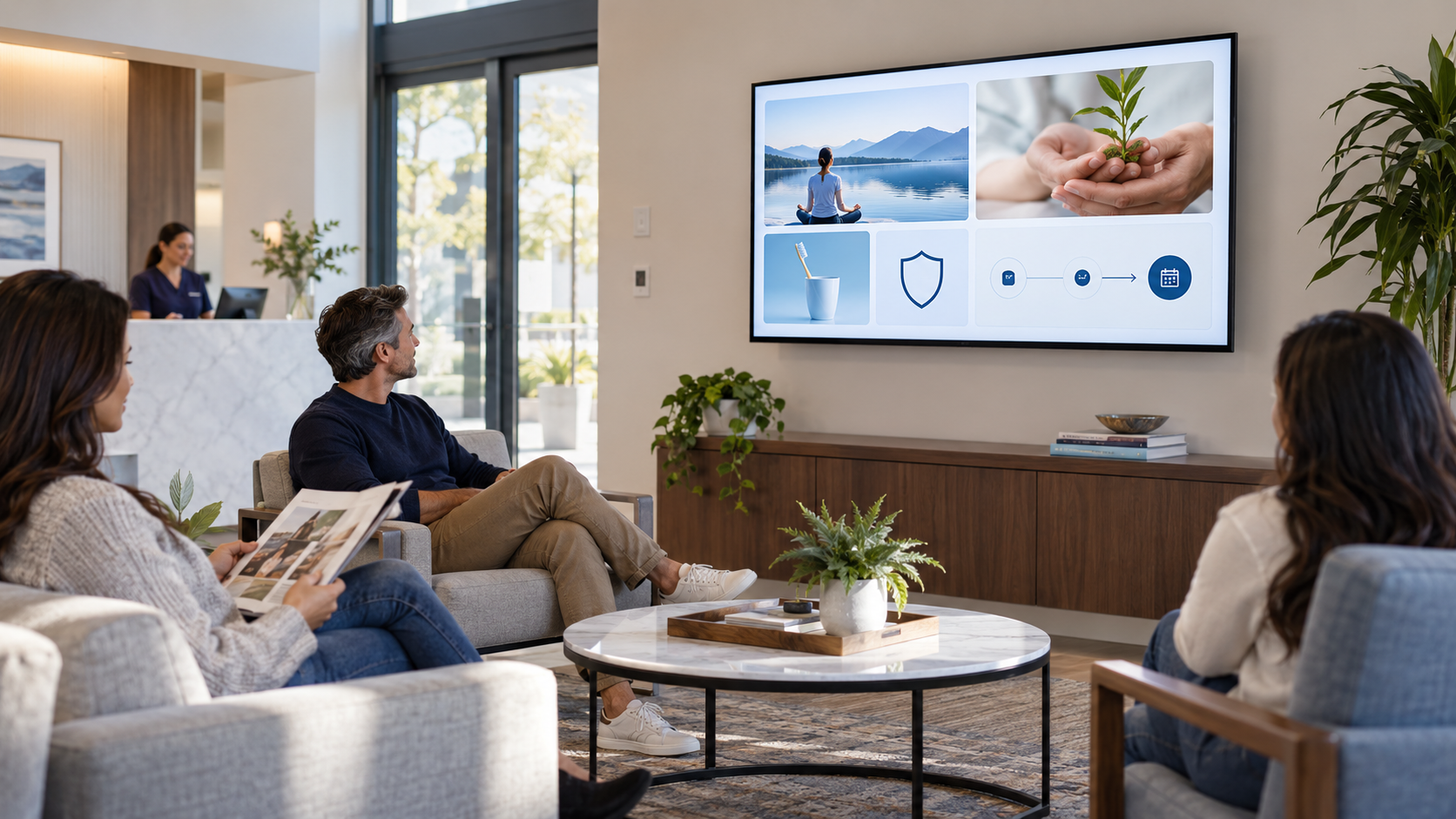
A med spa screen should make the reception area feel more informed, not more pressured. Guests may be comparing services, wondering what a consultation is for, or deciding whether to ask a question. Build messages that clarify the experience and leave personal recommendations to a qualified provider.
How to use a med spa screen well
Keep treatment claims, results, and before-and-after content within the rules and approvals that apply to your business. A customer-facing screen is most useful when it explains what a guest can ask, what the visit may involve, and how to take a low-pressure next step.
20 med spa TV screen ideas
1. Meet the provider
Use a real photo, credentials you can verify, and a brief statement about the care or consultation experience.
2. What happens at check-in
Explain forms, arrival expectations, or how the team helps guests get settled.
3. What a consultation is for
Show that a consultation is a chance to discuss goals, questions, history, and options—not a promise of a particular treatment.
4. A service glossary
Define the words guests see in your menu in plain language, without turning the screen into treatment advice.
5. Preparation questions
Prompt guests to ask what they should know before a service rather than attempting to give universal instructions.
6. Aftercare conversation prompt
Let guests know the team can review what to expect and when to contact the business after a visit.
7. A calm FAQ
Answer an administrative question such as how to book, reschedule, or prepare for a consultation.
8. How appointments are personalized
Explain that the right conversation depends on the guest and provider, which keeps the message accurate and reassuring.
9. A real team introduction
Show the people at the front desk and in treatment areas so a first-time guest recognizes friendly faces.
10. A current seasonal service message
Use dates and remove the screen when the season ends.
11. Package explanation
State what is included, who can answer questions, and how to learn whether it fits the guest’s needs.
12. Membership overview
Make terms, inclusions, and the next question clear; do not reduce it to a vague savings claim.
13. Retail product education
Explain a product category and point guests to the team for individualized recommendations.
14. The booking path
Show how to request or book a visit and what information to have ready.
15. A QR code for one approved destination
Use a mobile-ready consultation request, service guide, or product page with a specific label.
16. What to bring up during a consultation
Give guests permission to discuss goals, questions, and relevant preferences with the provider.
17. A standards or safety message you can substantiate
Only state credentials, processes, or policies your business can verify.
18. Community or event announcement
Use it when it is current and meaningful to your guests.
19. Gift-card information
Explain where to ask or scan, especially around seasonal gifting.
20. A clear next step
End with one invitation: ask the team, request a consultation, or scan an approved page.
Keep it useful, calm, and current
Rotate a few education, trust, and action messages rather than showing every idea at once. Review pricing, offer dates, service language, and any claim before it goes live. The more personal a decision is, the more the screen should invite a real conversation instead of trying to close it.
For a broader content framework, see The 4-Part Screen Mix. For help keeping promotions useful, read How to Promote Packages, Memberships, and Add-Ons Without Making the Screen Feel Like an Ad.
Build the rotation you can maintain
Pair and Play helps businesses create and schedule screen content, then update it as services, seasons, and customer questions change.
Start with $0 today and two included screens. See current setup options.