A restaurant TV can do more than repeat the menu. It can help guests understand the experience, notice a dish or service they might otherwise miss, and know what to do next—without making the dining room feel like a wall of ads.
Use the screen to make the visit easier
Think about what guests need at each moment: getting seated, choosing, waiting for food, paying, or planning a return visit. Give each screen one useful point, and keep the main menu where guests already expect to find it.
Ideas for a restaurant TV besides the menu
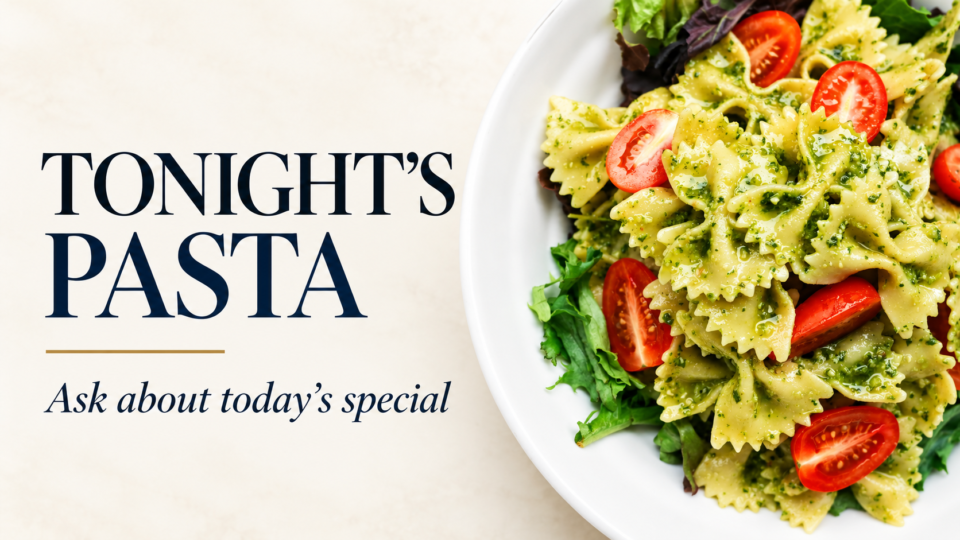
Tell the story of one signature dish
Show what makes it distinctive: a preparation method, local ingredient, or serving style. This helps a guest ask about it without taking over the menu.
Offer a pairing suggestion
Suggest a complementary side, drink, or dessert when it genuinely fits the item. Use plain language rather than pressure.
Explain customization or dietary questions
Tell guests what the team can help with and invite them to ask. Do not make promises your kitchen cannot consistently honor.
Show current pickup, ordering, or reservation information
Use the exact process your restaurant follows and remove any old platform or time information promptly.
Introduce the chef or team
A real photo and a short role-based introduction can make the experience feel more personal without adding another sales message.
Feature a seasonal special with dates
Use a clear availability window and replace it as soon as the promotion ends.
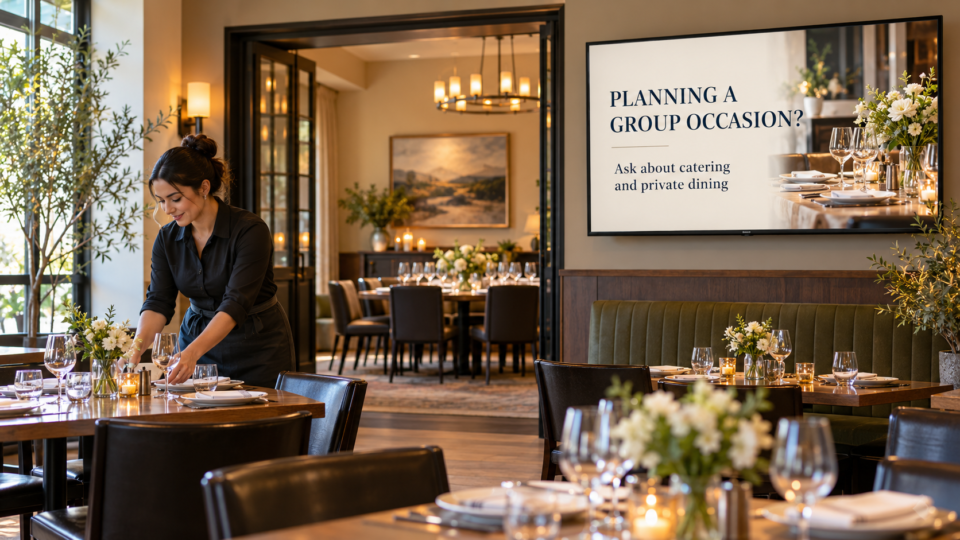
Explain catering or private events
Tell guests who it is for and what the first step is—ask the host, scan a specific page, or contact the events team.
Invite guests back through loyalty or events
Describe the real benefit and eligibility, then give one clear way to learn more.
Show community involvement
Use current local events, donations, or partnerships your business can substantiate. It gives the playlist personality beyond food and offers.
Use a QR code with a specific destination
A code can open the current menu, loyalty page, event calendar, or catering inquiry form. Label it clearly and test it from a table.
Build a balanced restaurant rotation
A practical loop might include a welcome, one signature-dish story, a current special, a team or trust message, one next step, and a calm visual reset. Customers should be able to enjoy the room even if they never look up.
For a related hospitality use case, read Coffee Shop TV Screen Ideas That Encourage Return Visits. For the broader strategy, see What Is a SILENT SALES SCREEN™?.
Use the screen you already have
Pair and Play helps restaurants turn customer-facing TVs into useful communication screens that can be updated as menus, specials, and events change.
Start with $0 today and two included screens. See current setup options.