Useful service list TV screens do more than copy the menu onto a bigger display. Group the services around a question the customer recognizes, explain the choice that matters, and give them a clear way to ask or book.
The full service list can stay in your current menu, website, or booking information. The TV helps people discover which part of that list may be relevant to them.
Start with the decision, not the number of services
Look at what customers ask before they choose. Do they need help finding the right appointment, understanding the difference between two services, or preparing for a future occasion? Use those questions to decide what belongs together.
A long list often uses internal service names that are familiar to staff but less clear to a new customer. Keep the correct names, then give them a useful context. You are helping someone start a conversation rather than expecting the screen to make the whole decision for them.
A seven-service salon list becomes three screens
Imagine a fictional salon list containing a cut and finish, restyle, blow-dry, event styling, root color, full color, and gloss. Putting all seven on one screen leaves little room to explain why someone would choose one appointment over another.
| Customer question | Related services | Screen job |
|---|---|---|
| Is it time for a routine refresh or a change? | Cut and finish; restyle | Help the client ask about the right type of appointment. |
| Which color appointment should I book? | Root color; full color; gloss | Introduce the options and direct the client to advice from the salon. |
| What could I arrange for an occasion? | Blow-dry; event styling | Make the service visible before the client needs it. |
The groupings are an editorial example, not a universal salon menu. Confirm your own service names, inclusions, consultation process, and booking requirements before using the approach.
Screen 1: a refresh or a restyle
READY FOR A REFRESH?
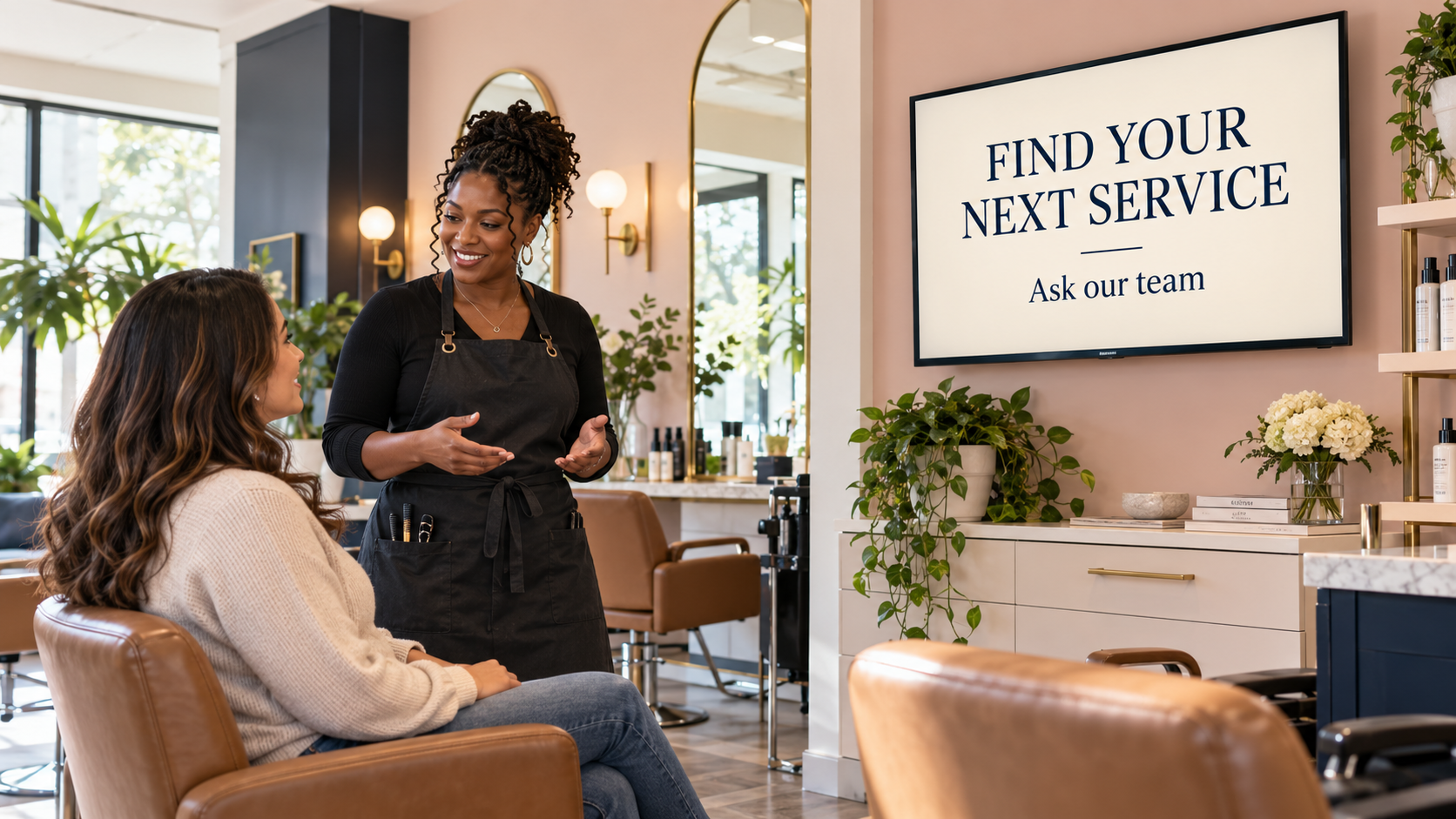
Ask about a cut and finish or restyle.
This puts two related services into a familiar customer situation. A client may know they want something different but not understand which appointment name to select. The screen gives them language for asking.
Have staff explain the actual difference at your salon: what each service includes, how the appointment is booked, and whether a consultation is needed. Do not invent a standard duration or inclusion because another business uses it.
Use a current authorized salon image or a simple text-led design. Avoid an image that implies a dramatic result is included or guaranteed. The screen’s purpose is to introduce the service choice.
Screen 2: choosing a color appointment
PLANNING A COLOR APPOINTMENT?
Root color · Full color · Gloss
Ask which appointment to book.
The service names remain visible, but the question explains why they are grouped. A viewer does not have to decide from the screen alone. The action sends them to someone who can explain the relevant options and booking process.
Keep the design readable. If three names and a next step crowd the screen, use fewer items or a second screen with its own clear purpose. Do not shrink important wording until it becomes decorative.
Check that any photo accurately represents the service and has permission for this use. A generated hairstyle is a concept image, not evidence of your salon’s work or a promised result for a client.
Screen 3: planning for an occasion
AN OCCASION COMING UP?
Ask about blow-dry and event styling.
This reaches someone who may not need the service today. They could be planning a celebration, a work event, or another date when they want help with styling. The message makes the option available for a future conversation.
Give staff accurate information about booking lead times, the service offered, and any consultation or preparation process. If you mention a date or seasonal event, remove the screen when that window has passed.
Choose an action that fits the salon: ask before leaving, speak to reception, or use a tested link to the correct booking information. Avoid several competing calls to action on one screen.
Use the same grouping method in another business
An auto shop could group messages around routine service questions, understanding a diagnostic visit, and how to plan the next appointment. A venue could group room choices, booking inclusions, and optional guest displays. The group should reflect a real customer decision rather than the order of the internal price list.
When a service needs professional assessment or has important conditions, use approved wording and direct the customer to the appropriate person. A screen can introduce an option without deciding suitability.
Create and review one message at a time
Pair and Play’s Screen Maker accepts a photo, description, logo, or exact wording; each is optional. For this task, you can start with the approved words for one screen and a short description of the business.
Review the generated wording and imagery. Check for added prices, invented benefits, altered service names, or conditions that disappeared. Use a clear revision request when something needs changing. The AI brief examples show how to give useful direction.
Confirm the business and active playlist before choosing Approve and add to playlist. Then check each message on the actual TV from the customer’s position. The useful-screen guide helps judge what deserves space.
Keep the service information connected to the real operation
Assign someone to review these screens when the menu, booking process, price information, or service availability changes. Remove a service you no longer offer and update the next step if the booking destination changes.
Start with three customer questions from your own service list. Start My 14-Day Screen Test, create one clear message for each, and ask the team whether customers find it easier to begin the right conversation.