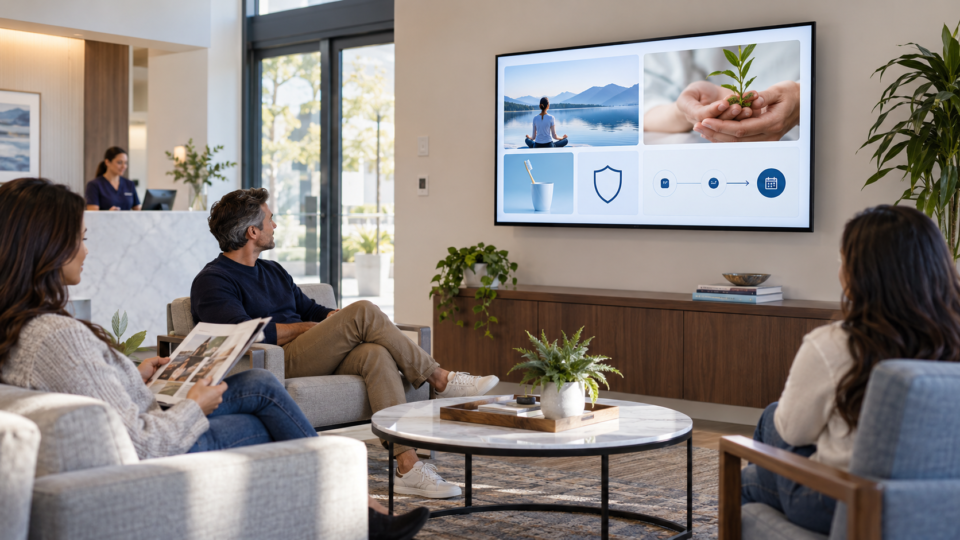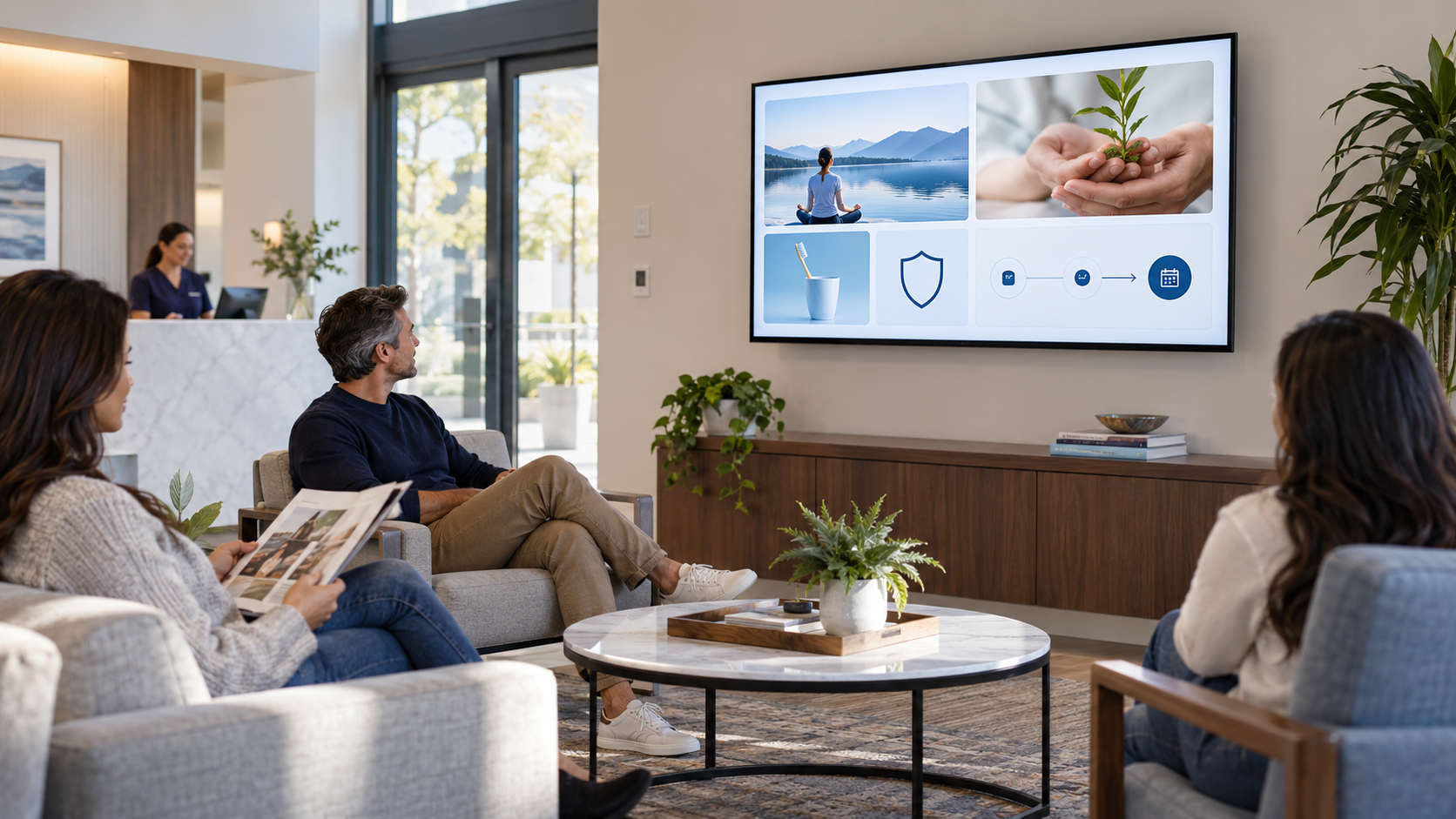
A customer-facing screen does not need a made-up ROI number to be worth reviewing. Its job is communication. You can tell whether it is doing that job by looking for concrete signs that customers and staff are noticing, understanding, and using the messages.
Measure the communication, not a fantasy number
Do not promise that a TV directly caused a sale, booking, or revenue result. Too many things influence those outcomes. Instead, look for observable signals connected to the screen’s purpose.
Five useful signals to review
1. Questions the screen starts
Ask the front desk or team whether people mention the service, message, or screen. A customer asking a clearer question is evidence that the content was noticed.
2. QR-code use
If a screen includes a QR code, use a destination you can recognize and verify that it works. A scan is not automatically a conversion, but it shows the invitation was usable.
3. Repeated staff explanations
Notice whether a screen helps staff point to a message instead of repeating the same basic explanation. That can reveal which topics belong in the rotation.
4. Outdated or ignored messages
Watch the screen in the real room. If people cannot read it, the message repeats too often, or a date has passed, fix it. These are just as important as positive signals.
5. Customer discovery
When someone says they did not know you offered an option, note the message that prompted the question. Use that as a cue to refine, not as proof of a guaranteed business outcome.
A simple monthly review
- Pick one message and its intended next step.
- Ask staff what customers actually say or do.
- Test every QR code and link.
- Remove expired dates, prices, and promotions.
- Keep, rewrite, or replace the message based on what you learned.
For playlist maintenance, see How to Build a Better Waiting Room Playlist. For content balance, read The 4-Part Screen Mix.
Improve the message, then observe again
Pair and Play lets you update a screen remotely, so the next version can reflect what customers actually need to know.
Start at $0 today with two included screens. See setup options.