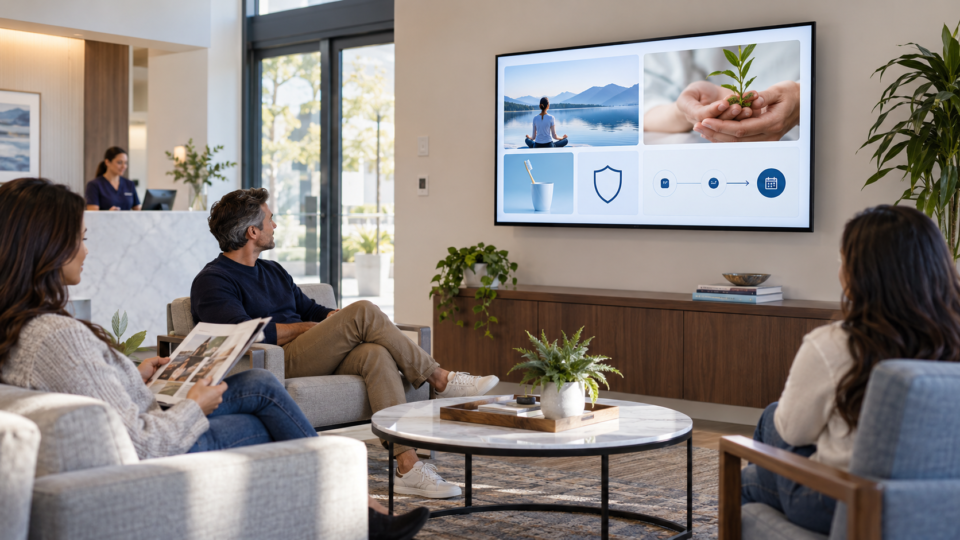
A waiting room playlist is not a pile of slides. It is a sequence for people who may look up for ten seconds, two minutes, or the full length of a visit. A good one has a clear mix of messages and avoids asking customers to read a brochure from across the room.
Give the playlist a job before you choose content
Choose two or three priorities for the room. A dental office may need to explain services and reduce first-visit uncertainty. A restaurant may need to introduce a special and help guests plan a return visit. A clinic may need to answer common process questions without giving individual advice.
Then include four kinds of content: orientation, education, trust, and one appropriate next step. That keeps the rotation from becoming promotion after promotion.
A practical six-part playlist
1. Welcome or wayfinding
Open with a calm message that tells people where they are, what to expect, or who can help. This belongs in the playlist because it is immediately useful to a new customer.
2. One question customers regularly ask
Turn a staff answer into one plain-language screen. Make it specific enough to help and short enough to read while someone waits.
3. A service or product explanation
Explain the situation in which someone might ask about the offering, not why everyone should buy it. This builds discovery without making the screen feel pushy.
4. A trust-building message
Use a real team introduction, an approved review, a behind-the-scenes process, or a credential you can verify. Trust messages work because they give context before the customer has to ask.
5. One next step
Use an invitation to ask, scan, book, join, or return. Give it one destination and a clear label. Do not crowd five calls to action onto one screen.
6. A calm reset before the loop repeats
Return to a welcome, useful tip, or simple visual message. This gives the rotation breathing room and makes it easier to watch without audio.
How long should the playlist be?
There is no magic number. Start with six to ten messages, then watch the playlist in the actual room. If it repeats so quickly that staff notice it constantly, add variety. If it takes so long that important messages rarely appear, simplify it. The right length depends on visit time and how often customers are in the space.
Review it like an owner
Once a month, check prices, dates, seasonal references, QR destinations, service names, and images. Watch from the farthest seat. If a message cannot be understood without a staff explanation, shorten it. If it repeats something another slide already says, remove it.
For a bigger idea bank, use this waiting-room TV guide. For a framework to balance promotion, education, trust, and action, read The 4-Part Screen Mix.
Build and keep it current
Pair and Play lets businesses build playlists, update them remotely, and keep content fresh as the business changes.
Start with $0 today and two included screens. See the current setup guide.