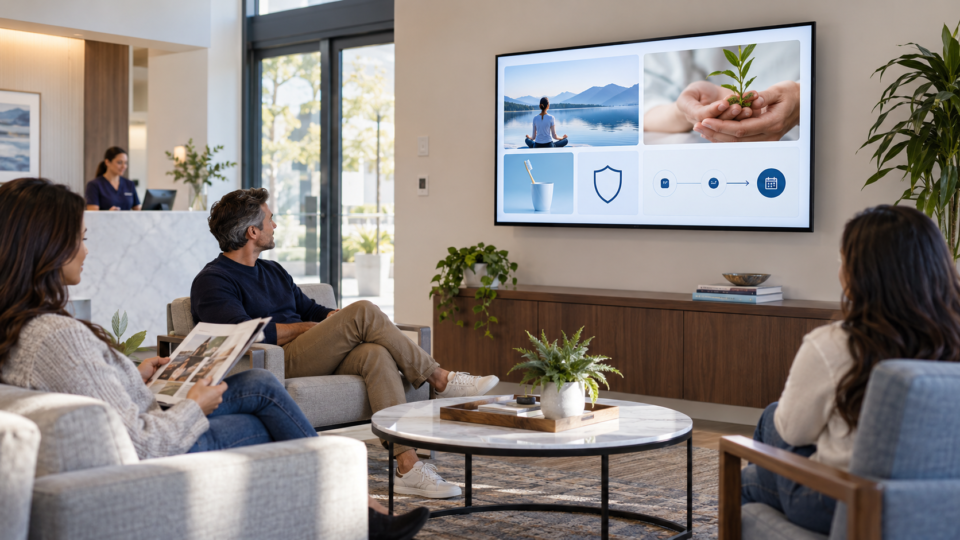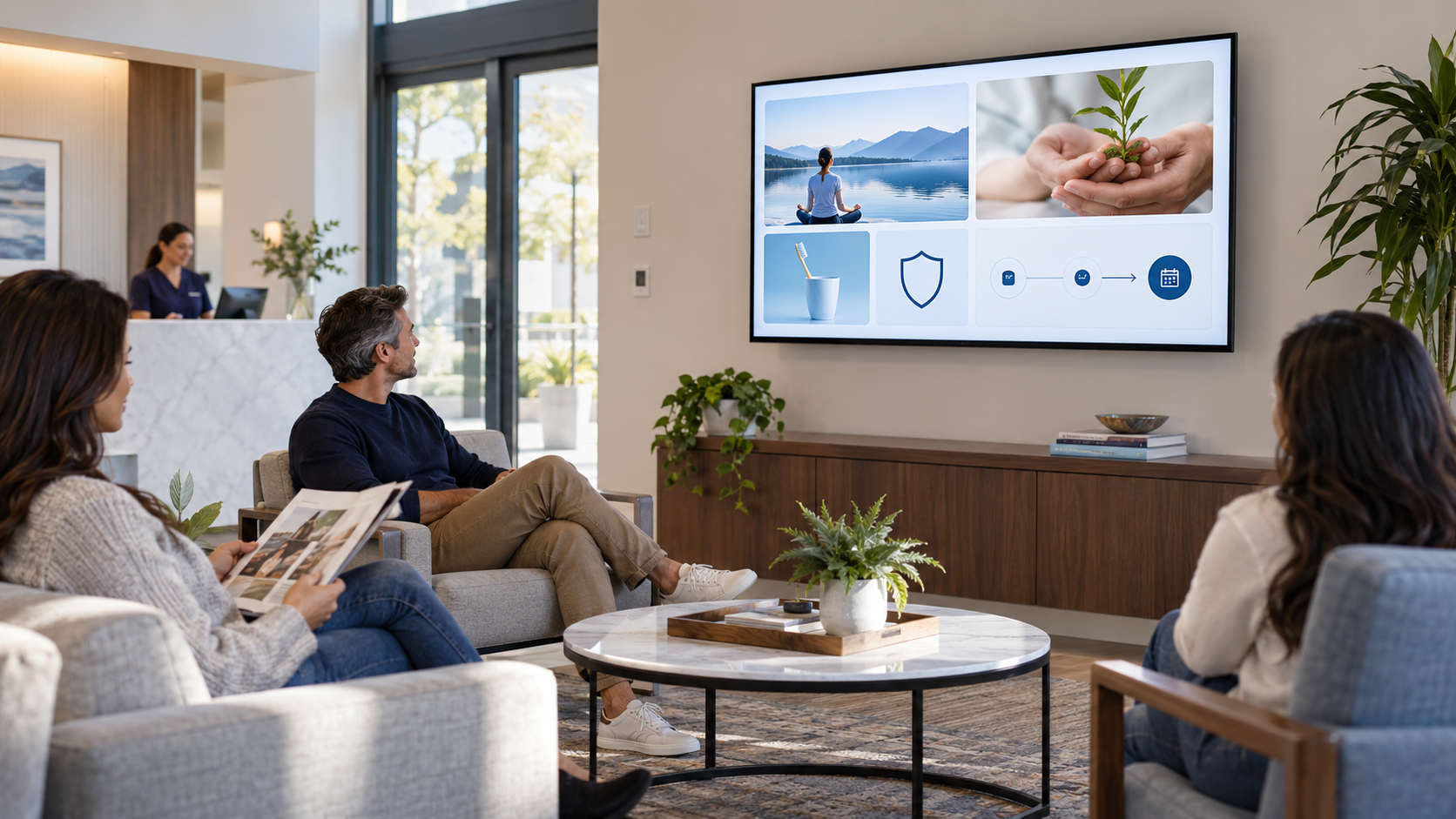
A useful customer-facing screen should not try to sell, teach, reassure, and collect five actions in the same ten seconds. A better approach is to build a rotation with four jobs: promotion, education, trust, and action.
1. Promotion: make a real option visible
Promotion is not a wall of offers. It is a clear explanation of a service, package, product, event, or seasonal option that customers may not know exists. Lead with the customer situation, not a slogan.
2. Education: answer a question before it is asked
Education helps a customer understand what happens next, what a service conversation can cover, or how to prepare. Keep it general when individual advice is needed. In a clinic, ask the care team to approve health-related messages.
3. Trust: show why the business is credible
Use real team members, verified credentials, actual process details, or authentic reviews you have permission to share. Trust screens are often the difference between a customer seeing an offer and feeling comfortable asking about it.
4. Action: make one next step easy
Invite a customer to ask, scan, book, join, buy, or return. Put one action on a screen and make the destination clear. A QR code should tell people exactly what opens.
Example rotation
A five-screen loop for a dental office might be: welcome and check-in, a first-visit explainer, a real team introduction, one service-discovery message, and a QR code to request a visit. A restaurant could substitute a signature-dish story, a current event, and a return-visit invitation.
Review the balance
If every slide promotes something, add education and trust. If every slide teaches, add one appropriate next step. The point is not equal percentages; it is a playlist that serves the customer moment.
Use the waiting-room playlist guide to arrange the loop, and What Makes a Useful Customer-Facing Screen? to check the individual messages.
Build the mix in the room
Pair and Play makes it easy to create, schedule, and update a customer-facing playlist as your business changes.
Start with $0 today and two included screens. See setup options.