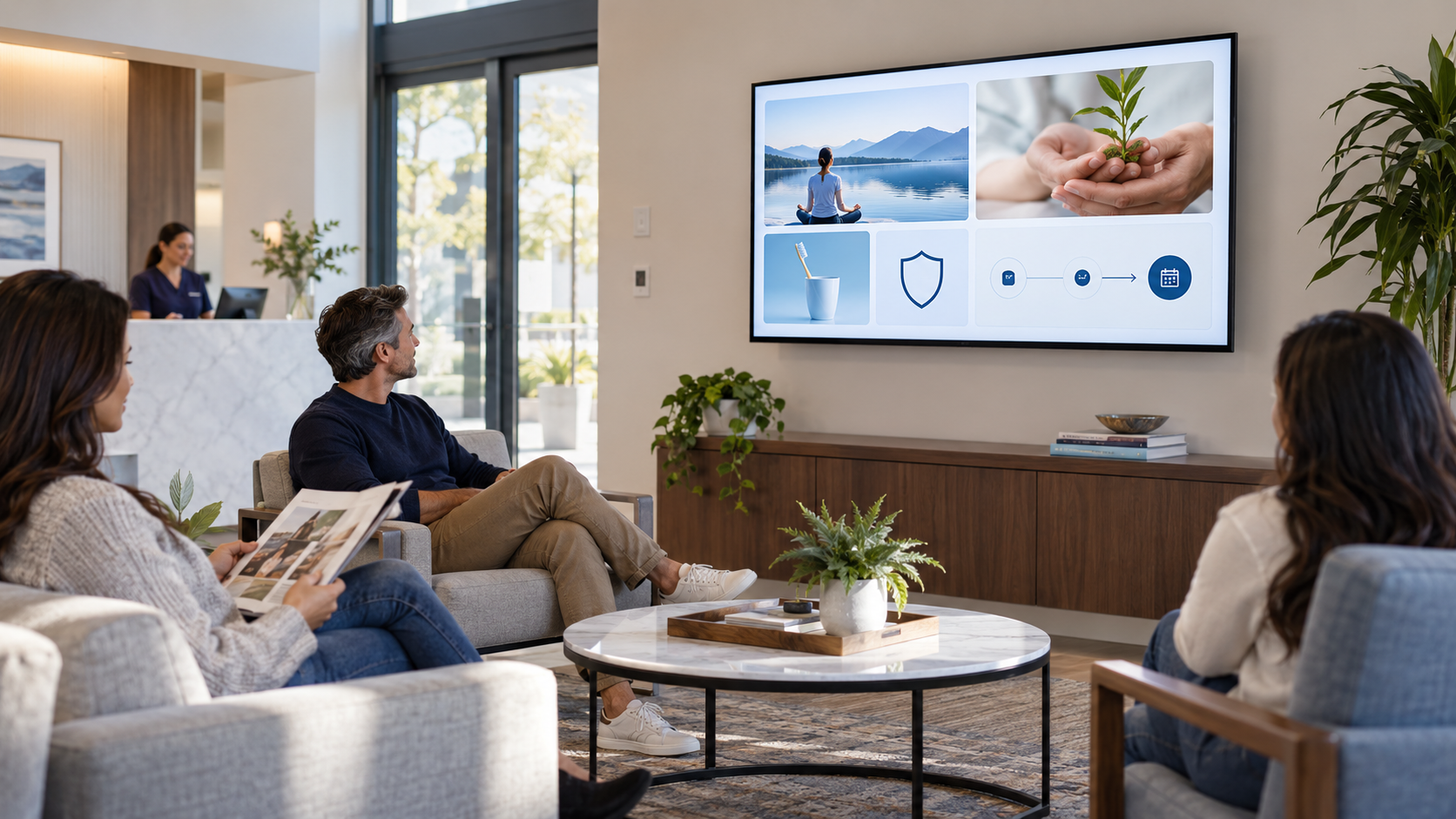
An auto repair waiting-room TV can make a service visit easier to understand without using fear or pressure. Customers may be trying to follow an estimate, decide what to ask, or understand what happens after the repair. The screen should help them prepare for that conversation.
Explain the experience in plain language
Use your actual workflow. If estimates, inspections, approvals, pickup, or maintenance discussions follow a specific process, show it clearly. Avoid technical claims, scare tactics, and promises about a vehicle the screen has not inspected.
Auto repair waiting-room TV ideas
What happens after check-in
Outline the broad process: the team reviews the concern, communicates findings, and discusses next steps according to your shop’s policy.
How to prepare an estimate question
Invite customers to ask what the estimate covers, what the team recommends discussing, and how approvals work. This is more useful than a generic “ask about repairs” slide.
Maintenance conversation starter
Explain that routine maintenance questions depend on the vehicle, use, and service history. Encourage customers to ask what applies to their vehicle.
Meet the technicians and advisors
Use real photos and roles so customers understand who may be working on the vehicle and who can answer which questions.
Parts and warranty information
Only describe policies, brands, and terms your shop can verify. If details vary, tell customers who can explain them.
Pickup and payment expectations
Show the actual process for notifications, pickup timing, payment questions, or after-service contact.
Seasonal driving or service reminder
Use practical, non-alarmist messages reviewed by your team and remove them when they are no longer timely.
One next step by QR code
Link to an approved estimate request, appointment page, service history resource, or review process with a specific label.
Make the screen part of good service
Balance repair and maintenance messages with orientation, team, and trust content. A customer should leave better informed, not overwhelmed by a list of possible problems.
For the broader customer-screen framework, see What Makes a Useful Customer-Facing Screen?. For turning existing equipment into a communication screen, read How to Turn an Existing TV Into a Customer Communication Screen.
Use the TV in the waiting room well
Pair and Play helps auto-service businesses create, update, and schedule customer-facing messages that support the real visit.
Start at $0 today with two included screens. See current setup options.