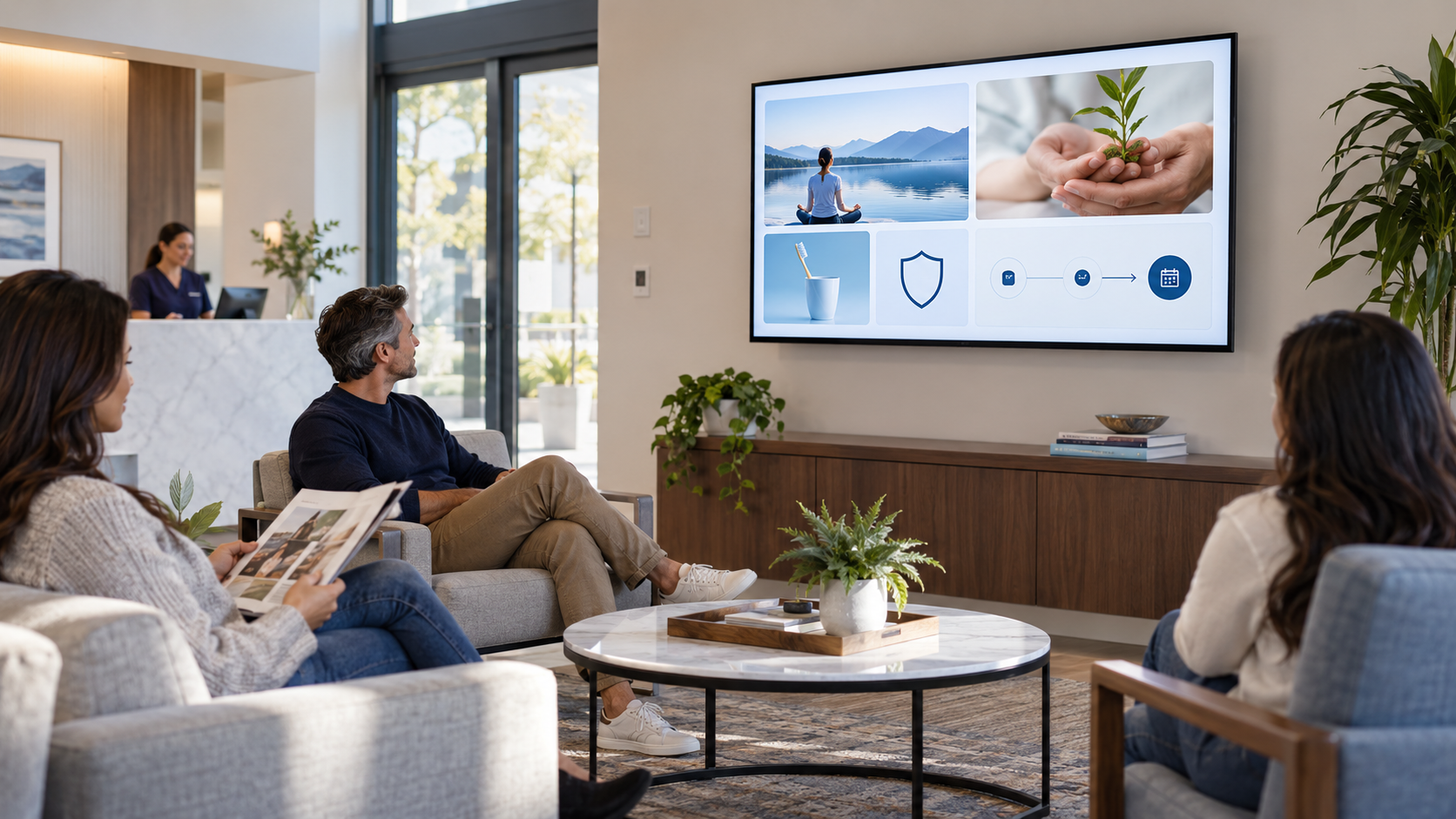
Small-business digital signage works best when it does a job customers actually need. A TV near a counter, reception desk, or waiting area can explain a service, answer a repeat question, introduce the team, or make one next step easier to take. It does not need a giant content library to be useful.
Match the message to the moment
Before building slides, ask where the screen sits and what the customer is doing there. Someone waiting for a service has different needs from someone paying, browsing, or checking in. One message that fits the moment will beat ten unrelated promotions.
12 digital signage ideas for small businesses
1. Welcome and orientation
Tell a first-time visitor where to check in, what happens next, or how long a step normally takes in your process. Update it whenever the real process changes.
2. A simple service explainer
Choose one service that people often misunderstand. State the problem it addresses, what the conversation usually covers, and how to ask about it—without claiming it is right for everyone.
3. Frequently asked questions
Turn the questions your team answers aloud into short screens. A repair shop might explain an estimate; a salon might explain booking; a clinic might explain a first appointment.
4. Meet the people behind the counter
Use real names, roles, and a sentence that helps customers know who can help with what. This makes the business feel more approachable and reduces handoffs.
5. A process or preparation checklist
Help customers arrive ready: documents to bring, what to photograph, how to prepare for pickup, or what to mention at check-in. It is useful because it solves friction before it becomes a staff interruption.
6. Product care or use tip
Retailers, service businesses, and restaurants can offer one practical tip that makes a purchase or visit more valuable. Keep it truly helpful, not a disguised ad.
7. A service customers may overlook
Explain a real option your business provides and the situation in which a customer might ask about it. Use a question prompt instead of “Buy now.”
8. Seasonal information with a date
Promote a holiday, event, or seasonal offer only when the message includes the applicable date and is removed on time. Old seasonal content damages trust.
9. Reviews or proof you can stand behind
Use real, permissioned reviews or a concrete credential your business can verify. Never manufacture testimonials or vague “best in town” claims.
10. Loyalty, membership, or return-visit explanation
Make eligibility, value, and the next step clear. A screen should help a customer decide whether to ask, not force them to decode a program.
11. Community, events, or hiring
These messages make sense when they are current and matter to the people in the room. They also give your playlist variety beyond services and offers.
12. One QR-code next step
Send people to a mobile-ready page for booking, a menu, a form, or a product list. Explain what opens after the scan and test it from the distance where customers sit.
Start with a small rotation
A practical first playlist might include a welcome, a service explainer, a team message, a useful tip, and one next step. Review it monthly for expired dates, changed prices, broken links, and messages your staff no longer uses.
See 25 useful waiting-room TV ideas for more content directions, or read What Is a SILENT SALES SCREEN™? for the strategy behind a screen with a job.
Put the TV you already own to work
Pair and Play helps small businesses create, schedule, and manage customer-facing screens without turning content into a second full-time job.
Try two included screens for 14 days, starting at $0 today. See current setup options.