An event venue can offer custom TV displays as a paid add-on by packaging a clear service: create the event artwork, obtain client approval, place it on the agreed screens, check playback, and reset the displays afterward. Clients should be able to understand exactly what they are buying and who will handle it.
Custom TV displays for event venues are most useful when they solve a real hosting task. A couple may want a coordinated welcome. A business may need a branded reception screen and room directions. The venue’s service is the finished presentation and dependable delivery.
Choose a service your team can deliver consistently
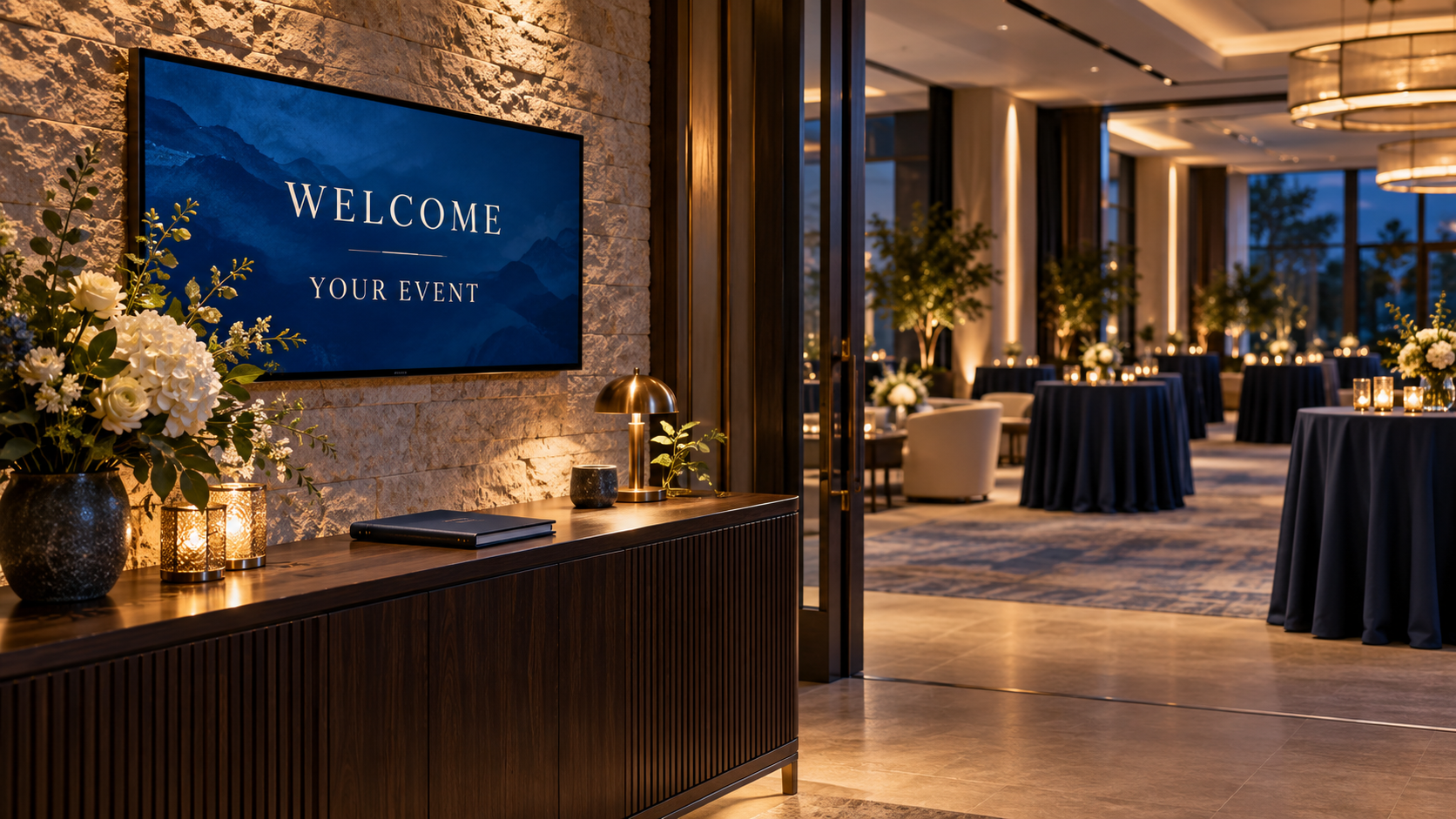
Start with one common request rather than offering unlimited creative work. A wedding welcome on the entrance TV is a manageable first package because the message, display, and approval owner are easy to identify.
As your process becomes reliable, you can offer a larger event set. The following are illustrative scopes, not Pair and Play subscription tiers:
| Service | Possible deliverables | Define before quoting |
|---|---|---|
| Custom welcome | One approved welcome design on one named TV. | Asset deadline, revision allowance, setup and removal time. |
| Welcome and guest information | A welcome, room direction, and one useful event message. | Number of designs, screens, and when each message should appear. |
| Coordinated event set | Approved welcome, sponsor, bar, or schedule designs across specified displays. | Content responsibility, sponsor approvals, changes and event support. |
Quote the work that you can actually staff. A service that includes live changes during the reception needs a different handoff from artwork prepared and approved several days before the event.
Describe the deliverables in plain language
“Custom screens included” leaves too much open to interpretation. A clearer description might be: “We prepare one welcome design using your approved names and event style, provide a proof and one revision round, install it on the entrance TV, check it before arrival, and reset the display after the event.”
That example makes the value visible without promising an unlimited design service. If the client wants a second room, additional artwork, a new sponsor after approval, or an operator throughout the event, explain the additional scope before accepting it.
Use your normal booking and invoicing process to quote and collect payment for the venue service. Keep that client charge separate from your own software and operating costs.
Collect only the material the event needs
Ask for approved names, dates, logos, photographs, colors, and exact wording where relevant. Identify one person who can approve the final design. A planner, couple, sponsor, and venue manager can otherwise send conflicting changes.
Keep the intake short. A welcome may need only the names and preferred style. A sponsor slide needs the authorized logo and agreed placement. A bar message needs the actual service wording and availability for that event.
Pair and Play’s built-in Screen Maker can start from a photo, description, logo, or exact wording, used alone or together. Those flexible inputs can help you turn client material into a professional screen. Your venue still owns the service scope, final approval, and event setup.
Make the price reflect the complete job
Before setting a fee, record the work involved in a pilot: collecting assets, creating artwork, handling the included revision, obtaining approval, setting up the playlist, checking the room, supporting the event, and resetting the screens.
Account for the software, any additional displays or hardware, and the staff time your package requires. Then choose a price that supports the service you intend to provide. A generated image may be quick to produce; coordination and reliable delivery still need an owner.
Review current Pair and Play pricing when estimating your operating costs. Use your own measured time rather than assuming a particular number of minutes or a guaranteed margin.
Build a repeatable approval and delivery sequence
- Confirm scope at booking. Record the number of designs, named TVs, revision allowance, and staff support included.
- Collect assets by an agreed deadline. Explain what happens when names, photos, or sponsor material arrive late so your team can plan the work.
- Send the finished proof. Ask the approval owner to check the actual design, including spelling, dates, logos, and guest information.
- Prepare the event playlist. Use a recognizable event name, select the right display, and check the intended sequence and timing.
- Inspect the room before arrival. Confirm the correct artwork is playing, readable, and appropriate alongside the rest of the event content.
- Reset and record completion. Return to the default or next event content and retain the approved version for your normal records.
Give the event team a short handoff containing the final artwork name, playlist, TV, start and end times, and support contact. The person operating the room should not need to search a long message thread to identify the approved version.
Show the service during a venue tour
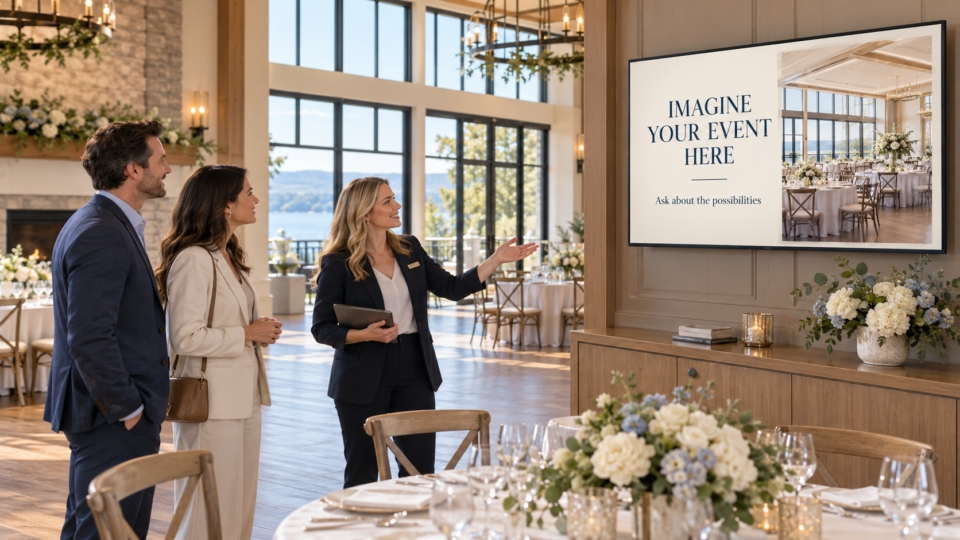
Use a clearly labeled sample event on the actual TV. Let prospective clients see how the names, colors, and room presentation work together. Explain what can be customized and what your package includes.
Keep examples honest: a sample is a sample, and a previous event image should only be reused with appropriate permission. Show the kind of result your team is prepared to deliver.
For the creation workflow, see the Pair and Play Screen Maker guide. For the entrance design itself, use the wedding welcome TV screen guide.
Start My 14-Day Screen Test with one sample welcome and one event handoff. Test the complete service in your venue before expanding the package.