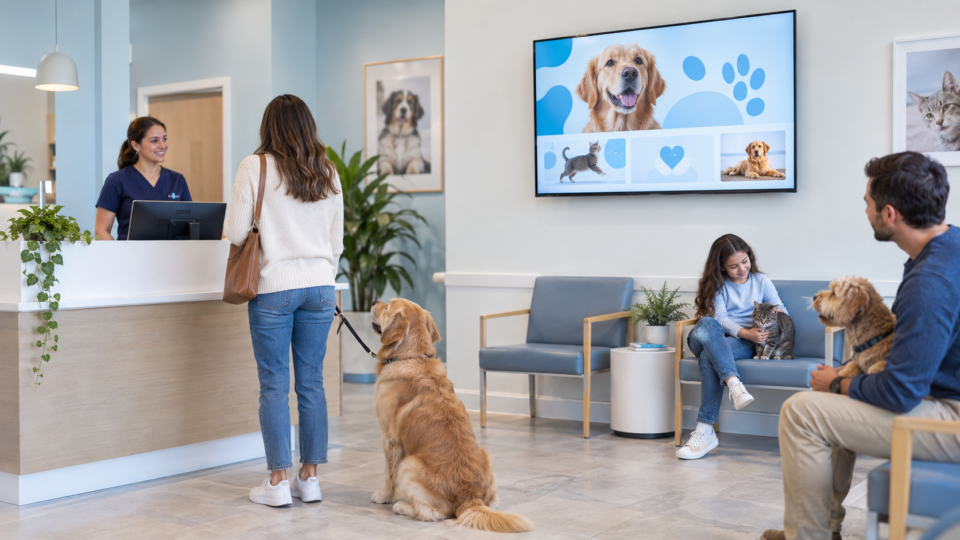
Veterinary services can be hard for owners to understand before they need them. A lobby screen can make the conversation less intimidating by explaining what a service discussion may cover and giving an owner a clear way to ask about it.
Explain the conversation, not the diagnosis
A screen should not decide what a pet needs. It can describe a service category, explain why the practice may discuss it, and invite the owner to bring questions to the team. Use content your practice has reviewed.
Service-explainer ideas
Wellness and preventive visits
Explain that these visits are a chance to discuss life stage, lifestyle, questions, and changes the owner has observed.
Dental-care conversations
If your practice offers dental services, explain the type of questions an owner can raise and what the team may review—without graphic imagery or a promise of a specific outcome.
Diagnostics in plain language
When your team recommends testing, a general screen can explain that diagnostics help inform a conversation. Avoid claiming what a test will show for an individual pet.
Nutrition or weight-management conversations
Use a simple question prompt and direct owners to the veterinary team for individualized guidance.
Senior-pet support
Let owners know they can ask about changes in routine, comfort, and mobility. Keep the message centered on observation and discussion.
Follow-up and after-visit information
Explain how the practice handles questions, medications, or follow-up contact using your actual office process.
Build a service screen that owners can use
Each screen should answer three things: what is this conversation about, why might an owner ask, and what should they do next? One clean service explainer is more useful than a slide crowded with every option the practice offers.
Use this veterinary waiting-room guide for more content ideas and these preventive-care messages for education topics.
Put service education in the room
Pair and Play gives veterinary practices a practical way to keep approved service, trust, and next-step messages current.
Start with $0 today and two included screens. Review current setup options.