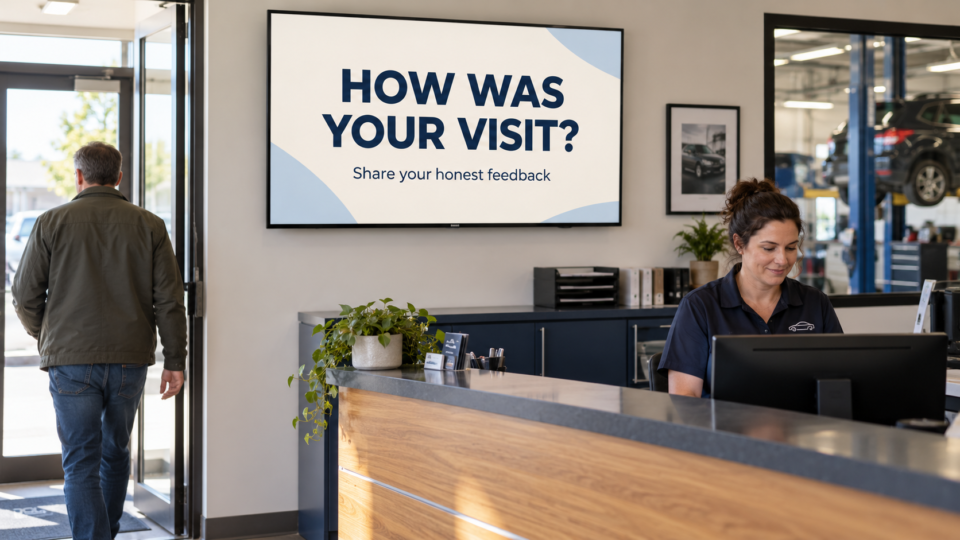
To show customer reviews on TV screens, start with a genuine review you have permission to reuse. Choose wording that answers a useful customer question, keep the reviewer’s meaning intact, and make the quotation and attribution readable from the normal viewing position.
The purpose is to help people understand the experience of working with your business. A specific comment about clear explanations, helpful staff, or a well-run event can be more useful than a wall of stars with no context.
Get permission before turning a review into marketing
A review appearing publicly on your business listing does not automatically make it your content to republish. Google’s customer-review marketing guidance says reviews belong to their writers and requires their consent for marketing reuse.
Ask the reviewer whether you may display their exact words on TVs inside your business. Explain the proposed attribution and whether you want to use their photo. Keep their response with a copy of the approved review. Permission for a quotation should not be treated as permission to use every photo or personal detail on the person’s profile.
If the review comes from another platform, check that platform’s current terms and branding guidance too. Healthcare and other regulated businesses should have the appropriate reviewer check privacy and advertising requirements before using a testimonial.
Choose a review that answers a real question
Think about what a visitor is trying to understand. At an auto repair shop, a review about how the team explained the work can support a conversation about the service process. At a venue, a comment about event coordination may help someone know what to ask during a tour. In retail, a comment about staff helping someone choose the right product can show the kind of help available.
Use the actual words the customer approved. Avoid turning a personal experience into a general promise about what every customer will receive. A review that makes a health, financial, or other performance claim needs particular care; quoting it does not remove your responsibility for the advertising message.
The FTC’s endorsement guidance explains that endorsements must be truthful and must not mislead. It also addresses material relationships and claims about exceptional results. Choose a simpler process or service-experience review if a result claim cannot be used responsibly.
Shorten the display without changing the meaning
Long reviews often contain several topics. A TV screen usually has room for one clear thought. With the reviewer’s approval, select a complete passage that makes sense on its own and retains any qualification needed to understand it.
For example, a review might discuss both a helpful explanation and a delay. Removing the delay in a way that makes the quotation appear to praise the entire visit would give viewers a different impression. Choose another passage or another review if shortening it creates that problem.
Do not ask AI to make a customer sound more enthusiastic, add a result, rewrite their experience, or invent a polished quote. If you want to summarize feedback in your own voice, make it clearly your summary and obtain any permissions it needs; do not put the summary in quotation marks and attribute it as the customer’s words.
Give the design a simple reading order
Build the screen around the approved quotation. Use a restrained background, strong contrast, and enough space for the words to remain readable. Include the attribution agreed with the reviewer and any source information or disclosure required for that use.
- The quotation: the main item, presented without competing promotional text.
- The attribution: the name or approved form of identification the reviewer agreed to use.
- The source and context: enough information to understand where the review came from and what it refers to, following the platform’s guidance.
- A modest next step: an invitation to ask about the relevant service, if it fits without crowding the review.
If you refer to reviews or ratings on Google, follow Google’s current logo and wording rules. Its guidance calls for an “as of” date when showing an overall rating or review count and warns against suggesting that Google itself supplied the rating. An aggregate score also creates an ongoing maintenance task.
Use AI for presentation, while keeping the words fixed
Pair and Play’s Screen Maker accepts a photo, description, logo, or exact wording; each is optional. For a review screen, provide the approved quotation and attribution as exact wording. You can add a short visual direction such as a calm background and large, readable text.
After generation, compare the finished screen against the approved source word by word. Check punctuation, names, source attribution, and any disclosure. Inspect the logo if one is used. Request a correction if the design has added, omitted, or altered something important.
The Screen Maker walkthrough explains creation, revision, and the Approve and add to playlist action. Check the selected business and playlist before approving, then view the result on the TV.
Maintain a small, useful review collection
Keep a record of the original review, permission, approved display text, source, and review date. Recheck the screen when services change, a reviewer withdraws permission, or a displayed rating becomes out of date. Give one person responsibility for making those changes.
Use review screens alongside team introductions, process explanations, education, and relevant next steps. A review supports trust; other messages help customers understand what the business offers. The four-part screen mix provides a useful way to balance that rotation.
Start with one genuine, permission-cleared review. Start My 14-Day Screen Test, build a readable design, and check whether it helps people ask a more informed question about your business.