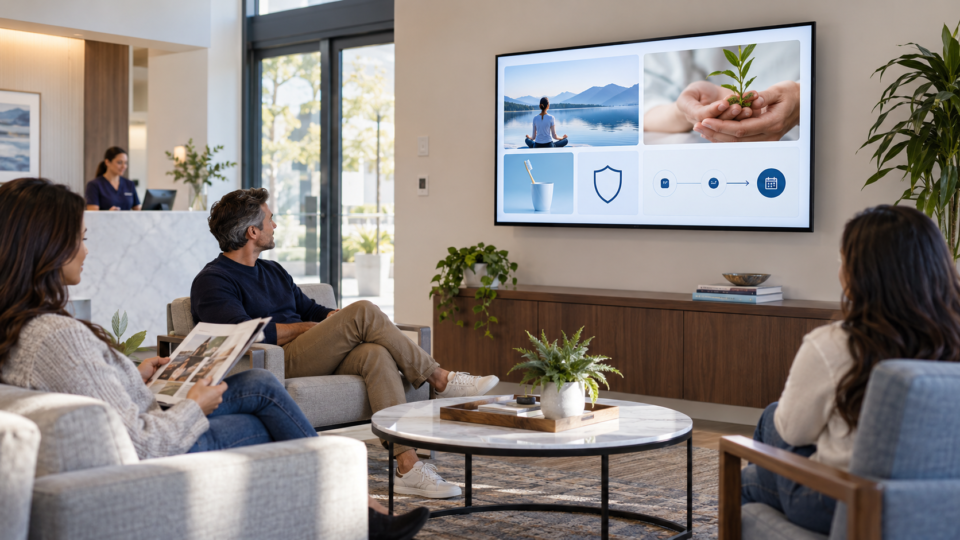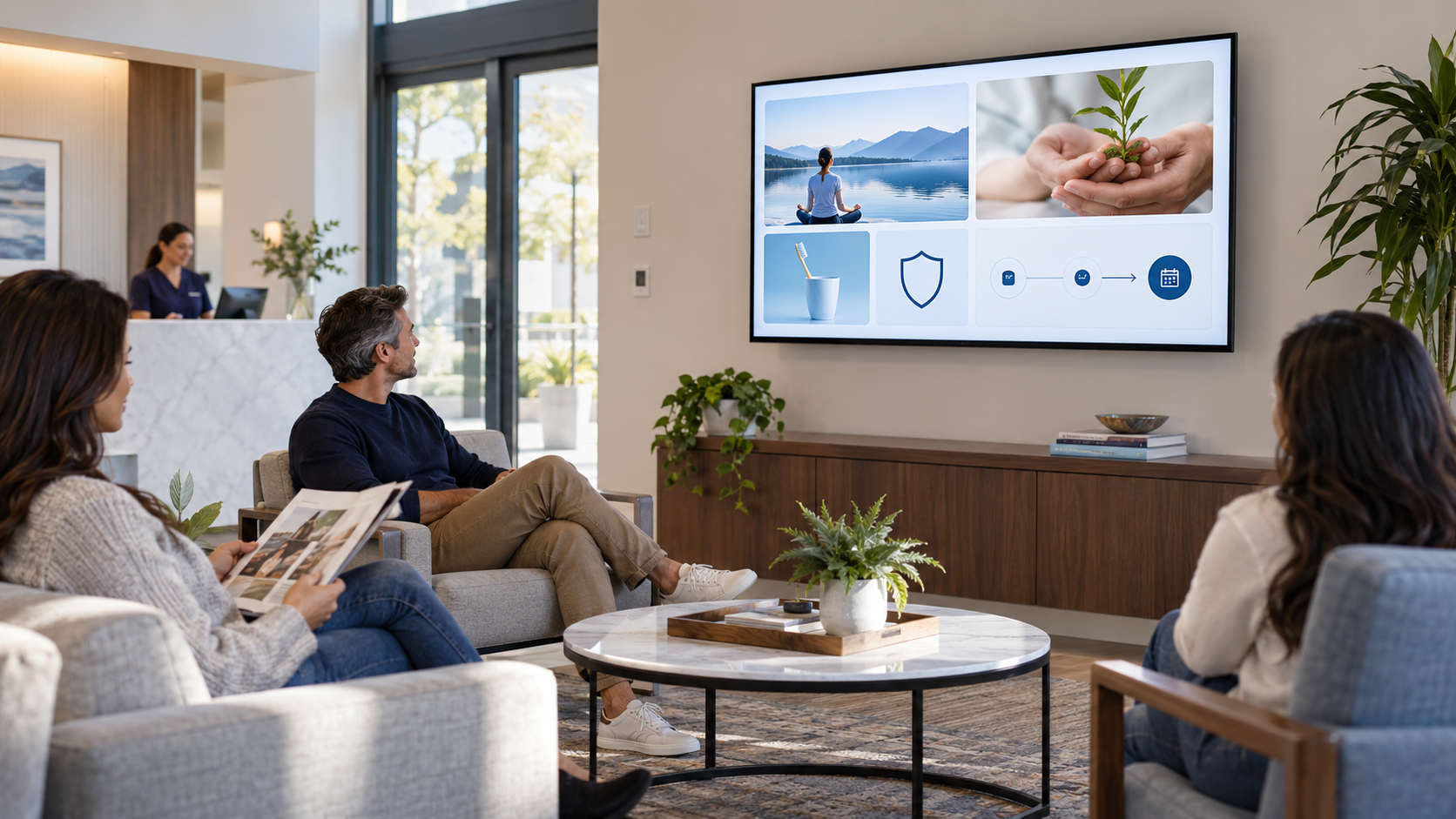
A TV in the customer area can do more than fill silence. A SILENT SALES SCREEN™ is a customer-facing screen planned to answer questions, make services easier to understand, build confidence, and invite a useful next step while people are already in your space.
The short definition
A SILENT SALES SCREEN™ is a screen experience designed for the moment a customer is already paying attention to your business. It uses concise, visual messages to help people understand what you offer and what they can do next.
The word “silent” matters: the screen does its job without requiring a presenter, a sales conversation, or audio competing with the front desk. “Sales” does not mean shouting a pitch. It means making the right service, answer, or next step easier to notice.
What a SILENT SALES SCREEN™ can do
- Explain a service in plain language before someone has to ask.
- Show related services, packages, seasonal options, or useful add-ons.
- Introduce the people, process, or standards that help a customer feel informed.
- Give a low-friction next step such as scanning a QR code, asking the team, or booking later.
How it differs from ordinary digital signage
Digital signage is the broad category: screens used to display content in a public or business setting. A SILENT SALES SCREEN™ is the operating idea layered on top of the hardware. It starts with the customer question, then chooses the message, timing, and action.
That distinction keeps the project practical. You do not need a wall of dashboards or a constantly changing slideshow. You need a small set of useful messages that fit the room, the audience, and the business.
A simple content mix
- Education: answer a question customers commonly have.
- Service discovery: make one relevant offering easier to notice.
- Trust: show what the experience is like, who is involved, or what customers can expect.
- Action: point to one next step, not five competing ones.
Where the idea works best
Dental offices can explain preventive services or what happens during a first visit. Veterinary practices can make preventive care easier to discuss. A salon, med spa, therapist, restaurant, hotel, or repair shop can use the same logic with different customer questions.
The format is flexible because the strategy is rooted in context. A family waiting for a pediatric therapy session needs different content from a guest checking into a hotel. The screen should respect that difference.
How to start without overbuilding
- Choose one room and one customer moment.
- List five questions people ask repeatedly.
- Turn those questions into short visual messages.
- Add one clear next step to the most relevant messages.
- Review the playlist regularly so it stays current and useful.
Pair and Play’s role
Pair and Play is built for businesses that want to manage customer-facing screens without making screen management a second job. The current signup includes two screens, unlimited playlists, browser and mobile management, scheduling, and a 14-day trial. Start with a small, real use case and learn what deserves a place in the playlist.
Useful references
- Pair and Play: customer-facing screen overview
- Pair and Play signup and current plan details
- Related guide: What Should I Put on a Waiting Room TV? 25 Useful Ideas
Ready to make the screen more useful?
Pair and Play helps small businesses turn a customer-facing TV into a practical communication channel for education, services, trust, and next steps. Start with the room and the message you want to improve.
Try it with $0 today, two screens included, $79/month after the 14-day trial, and cancel anytime. See the setup options.