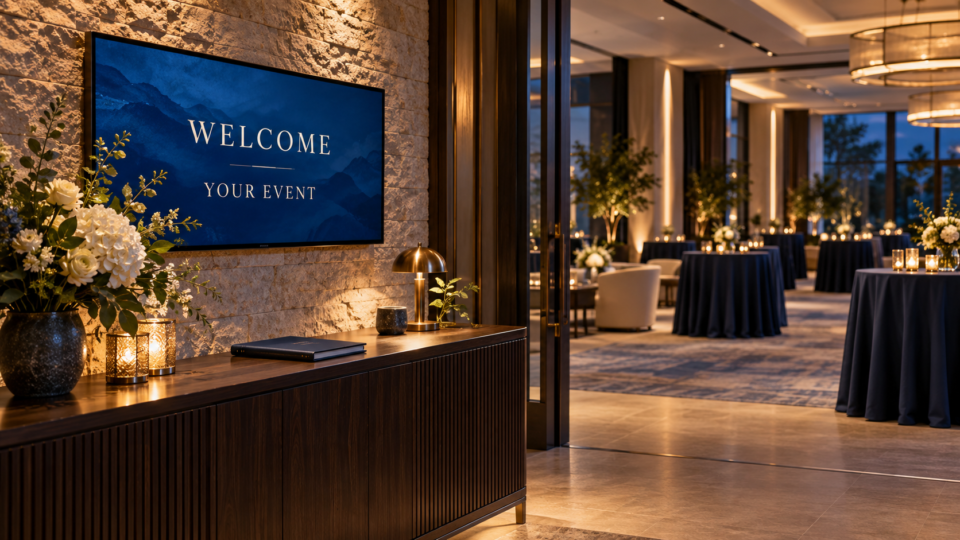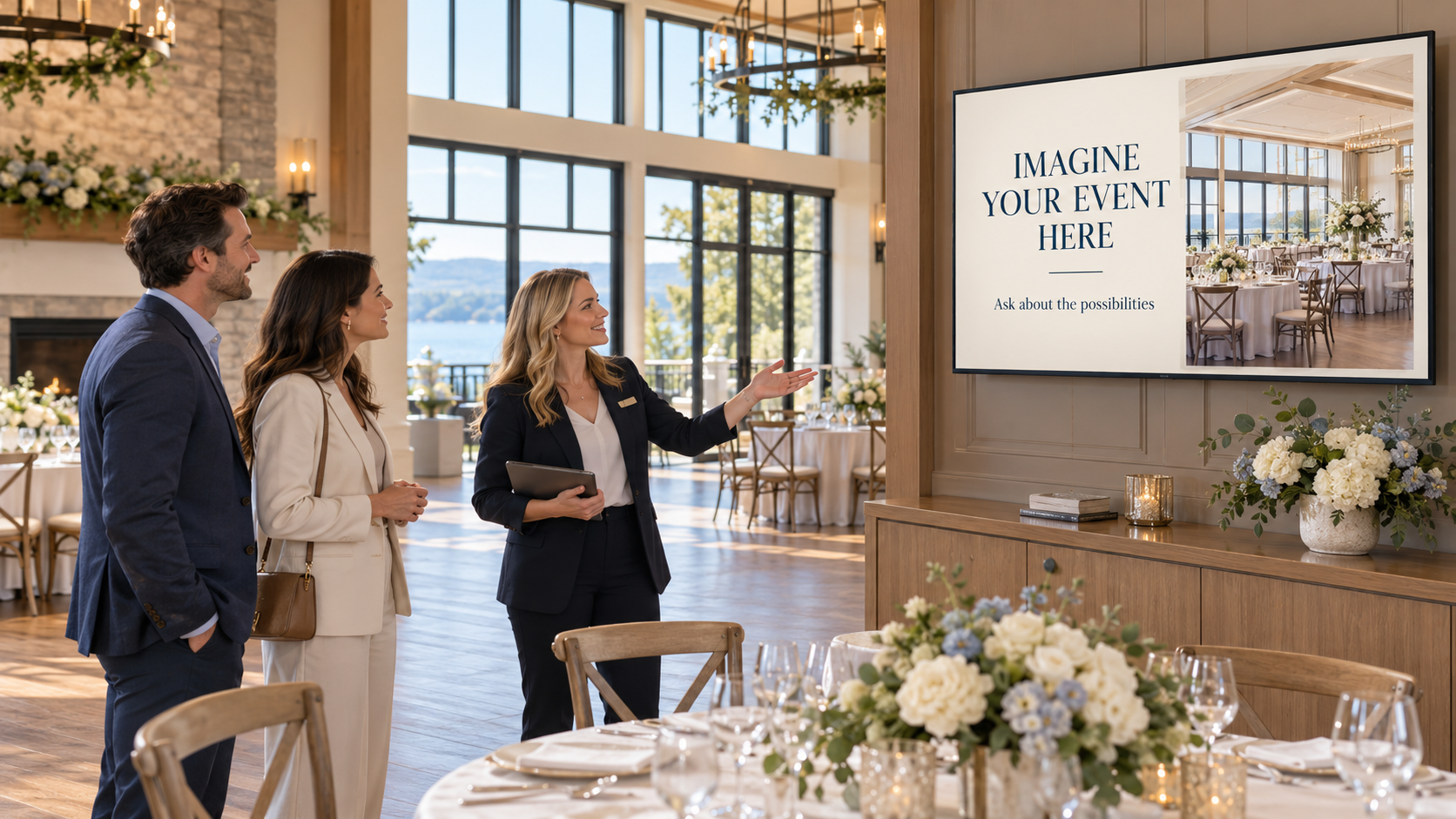
Useful event venue tour TV content helps prospective hosts understand the space, compare genuine options, and know what to ask next. Build a short sequence that supports the coordinator’s conversation instead of expecting a slideshow to explain the whole booking.
The audience during a tour is different from the audience at an event. These visitors are deciding whether the venue fits their plans. A wedding welcome or guest announcement may look attractive, but it does not answer every question they have about booking.
Give the tour sequence five clear jobs
Use the following as a planning storyboard. The sample wording is fictional and should be adapted to your venue’s actual spaces, services, and process. Keep each screen useful on its own, because visitors may arrive midway through the rotation.
1. Open the conversation around their priorities
YOUR EVENT, YOUR PRIORITIES
Tell us what matters most.
Start with a welcoming view of the actual venue and a question the coordinator can use. This makes the screen relevant to the people in the room rather than opening with a long list of features.
The coordinator can ask about the type of event, guest experience, accessibility needs, or the atmosphere the host wants. Keep the screen visually quiet so the visitors can talk. If you personalize a welcome with their names, confirm spelling and permission, then remove it before the next unrelated tour.
2. Show how the real space can be arranged
ONE ROOM. DIFFERENT POSSIBILITIES.
Ask which layout fits your plans.
Use authorized photos of genuine setups in that venue: a ceremony, seated dinner, presentation, or reception, as applicable. Label them clearly enough that a visitor understands which room and arrangement they are seeing.
Explain the conditions behind an option. A room arranged for a presentation may have different practical constraints from a dinner setup. Have the coordinator confirm suitability and approved capacity using the venue’s current information. AI concept images should be labeled as concepts and should not imply that an unbuilt feature or unapproved layout is already available.
3. Explain what the booking includes
KNOW WHAT YOUR BOOKING INCLUDES
We’ll walk through the details.
Choose the few inclusions that commonly cause confusion and confirm their wording against the current package. Depending on your venue, the discussion might cover furniture, setup responsibilities, access times, staffing, or available equipment. Do not show these as included simply because another venue provides them.
Keep the screen readable and let the booking materials carry the full terms. The coordinator should explain what is included, what has conditions, and what is a separate option. If packages change, update this screen before the next tour that relies on it.
4. Demonstrate one relevant optional service
MAKE THE WELCOME YOURS
Ask about custom TV displays.
Show a clearly labeled example of a custom welcome or event message, then explain the actual service your venue can deliver. Discuss the information the host supplies, the approval process, which displays are covered, and who handles event-day changes.
If the service costs extra, say so in the conversation and booking materials. Do not let a polished demonstration imply it is automatically included. The guide to offering custom venue displays as a paid add-on covers scope, pricing decisions, and delivery responsibilities.
5. Make the next step concrete
LET’S PLAN THE NEXT STEP
Ask about dates and a tour recap.
Finish with the action that matches your actual sales process: discuss suitable dates, request a proposal, arrange a follow-up, or review a written recap. Use one main invitation rather than several competing QR codes and contact details.
If a screen mentions availability or a limited offer, someone must keep it current. A general invitation to discuss dates is often easier to maintain than a static list that could become incorrect during a busy booking period. Give visitors a reliable way to take the information away after the tour.
Build the sequence from evidence the venue owns
Gather current room photos, approved service descriptions, package details, and a genuine example of any optional display service. Confirm that people appearing in event photos can be used in your marketing. Avoid presenting a styled inspiration image as proof of an event the venue delivered.
For a custom screen, Pair and Play’s Screen Maker can start with a photo, description, logo, or exact wording. Each is optional. You can provide a real venue photo for visual context and approved copy for the message, then review the design for accuracy.
Check room features, logos, names, and any text added by AI. A more attractive picture is not useful if it changes the venue or makes an option look included when it is not. For a specific welcome example, see creating a wedding welcome screen.
Run a tour playlist, then switch for the event
Keep the sales-tour sequence separate from guest-facing event content. Name it clearly so staff can distinguish it from a wedding, corporate event, or ordinary reception playlist. Confirm which TV uses it before the visitors arrive.
Watch the sequence during a practice tour. Can the coordinator refer to a screen without waiting through an awkward rotation? Can visitors read it from where they naturally stand? Adjust the amount of content and timing to the actual tour route.
After the tour, remove personal welcomes and restore the appropriate playlist. Before an event, check that booking invitations and unrelated sales messages are not appearing where guests expect event information.
Judge the questions it helps answer
Ask the coordinator which screens helped the conversation and which caused confusion. A useful result could be a clearer discussion of room choices or fewer misunderstandings about inclusions. Keep those observations separate from any claim that the screen caused a booking.
Start with one tour TV and this five-screen sequence. Start My 14-Day Screen Test and evaluate whether it helps your team explain the venue and its real options more clearly.