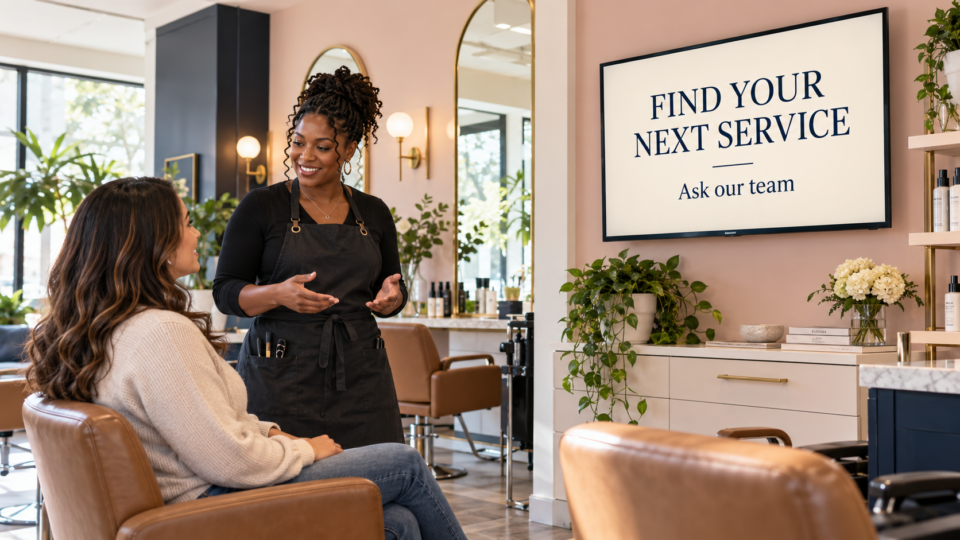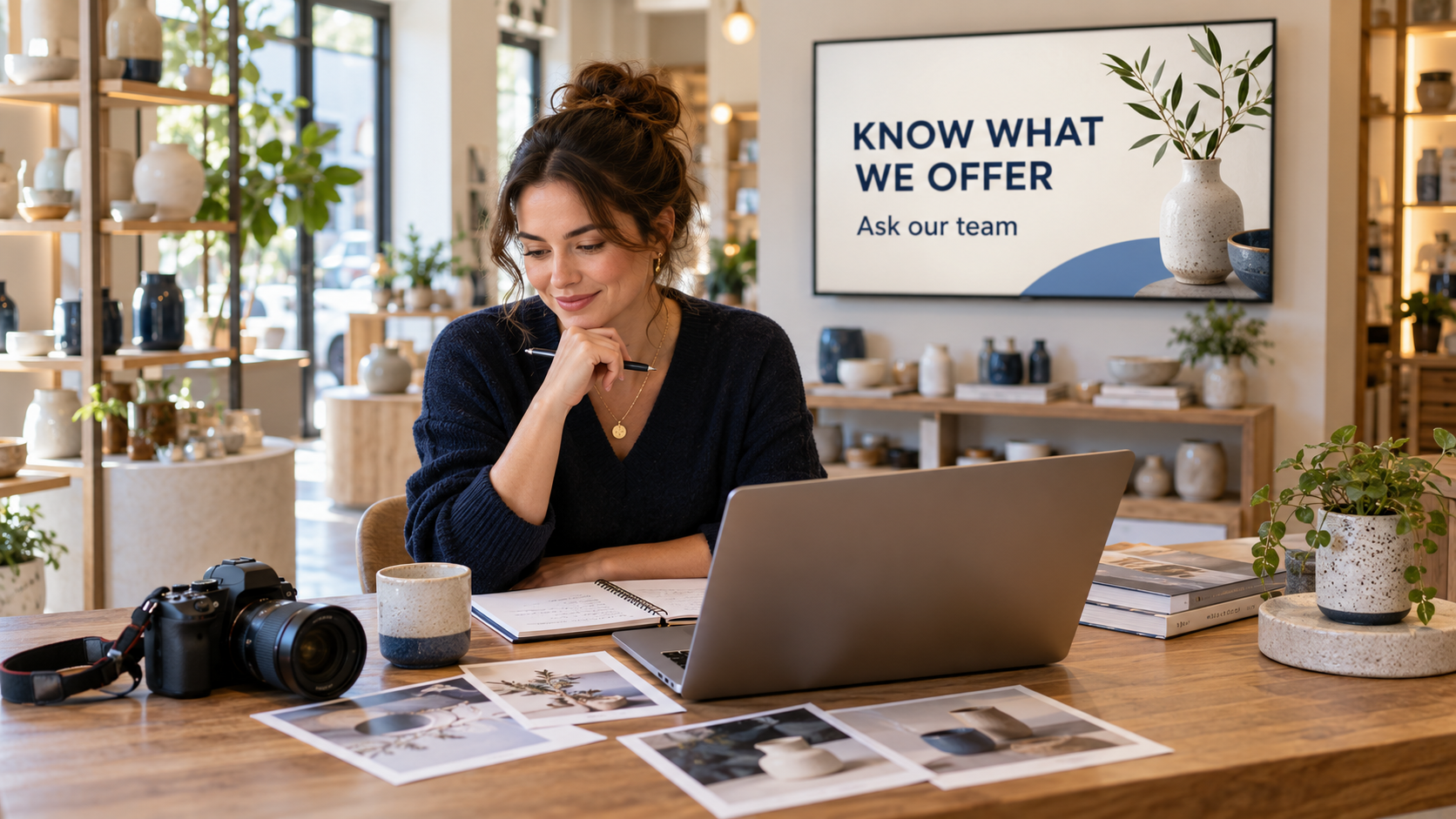
Yes. You can mix photos and videos with AI screens in Pair and Play. Use the media you already own alongside newly created designs, and organize the finished items into a playlist that gives customers useful information.
Each format can do a different job. A real product photo shows what is available. A short team video can explain a genuine process. An AI-created graphic can present a clear headline and next step. The important decision is why an item belongs in the rotation.
Keep the business material that already works
Start with approved artwork, current product photos, authorized team images, and videos your business can use on its displays. You do not need to recreate every asset with AI simply because the creation tool is available.
Check whether the existing material still represents the business. A flyer with last year’s prices, a video showing a discontinued product, or a photo of a team member who has left may need replacement before it reaches the TV.
Keep the original files organized and give each media item a recognizable name. Include the product, purpose, event, or campaign where useful. Another staff member should be able to tell which version is approved.
Give a mixed playlist a clear structure
This illustrative sequence is for a homewares shop. It is a planning example, not a claim that a customer has run this exact playlist.
| Item | Format | Job for the customer |
|---|---|---|
| A current ceramic collection | Real product photo or approved photo-based design | Show the products the visitor can find in the shop. |
| How to ask about a suitable option | AI-created screen with approved wording | Explain a useful question and invite help from the team. |
| How the team prepares gift wrapping | Short authorized video of the real process | Show what the service involves, if the shop offers it. |
| A current event or service announcement | Existing professionally designed artwork | Share accurate practical details without rebuilding the design. |
| A care guide or next step | Readable screen with a tested QR destination | Give the customer a useful resource to open or take away. |
The sequence works because the formats support the messages. Avoid alternating media types just to create variety. If two items repeat the same point, keep the clearer one and use the space for another customer question.
Use the current upload requirements
Pair and Play supports your own images and videos, along with other supported content such as YouTube. Upload a finished asset through the relevant media control, check the active playlist, and follow the current format and size information shown in your account.
The official Manager listing’s published upload example, reviewed October 17, 2026, lists JPG, JPEG, PNG, and WEBP images, plus MP4 and MOV video. It shows an image limit of 10 MB and a video limit of 100 MB. Check your current upload page before exporting files, because the live requirements take precedence over an older example.
Acceptance of a file is only the first check. Play a video on the intended supported device and inspect its picture, sound, crop, and ending. If an existing design is in a format the upload control does not accept, prepare an approved image or video export rather than assume direct document import.
Create the missing message with AI
Use Screen Maker when the rotation needs a clear explanation, introduction, or action that your existing media does not provide. A photo, description, logo, or exact wording can be a starting input. Each is optional, and one can be enough.
For the shop example, a product photo may already show the collection well. The missing item might be a simple screen inviting customers to ask which option suits their space. Keep the actual product details accurate and check the wording before approval.
Adding a video you already own is a separate task from creating an AI screen. Do not assume the screen-creation tool generates video simply because the playlist also supports video files.
Review the whole rotation
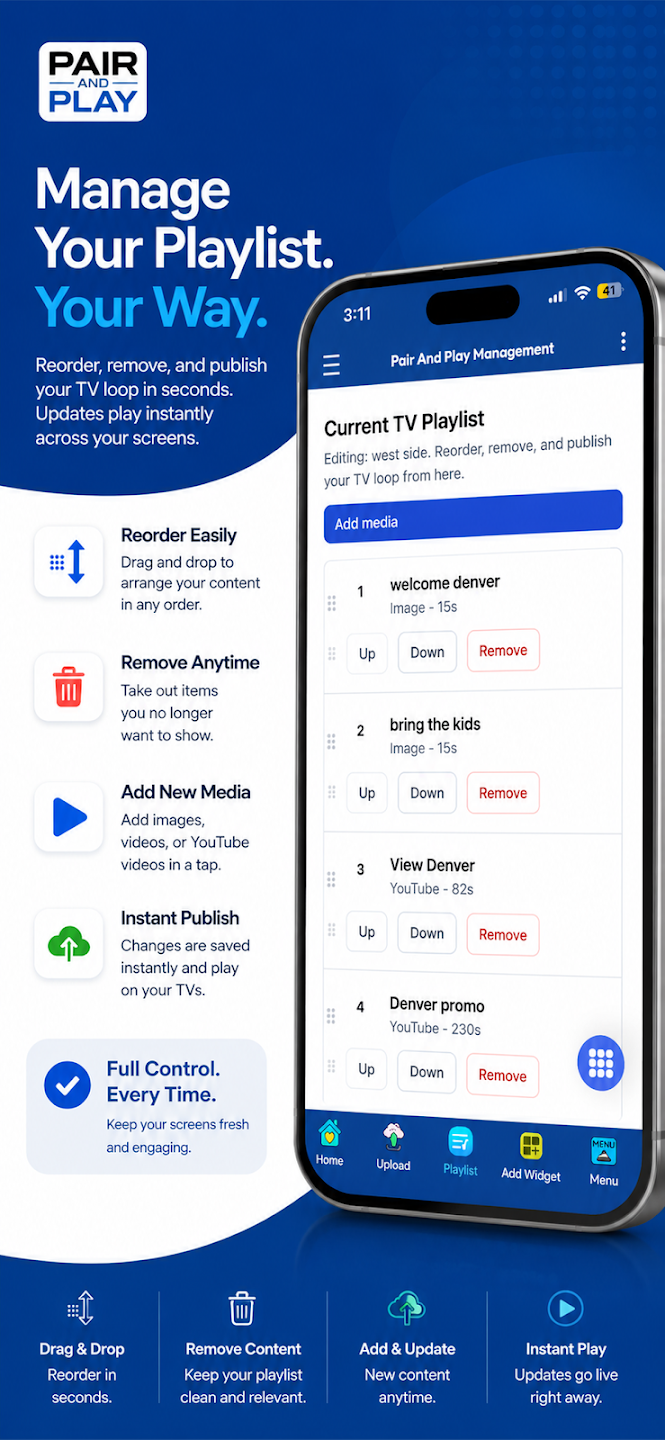
Check the order, each item’s duration, and how one message leads to the next. A video should not end so abruptly that its main point is lost. A still screen should remain visible long enough to read from the normal customer position.
Review without sound if that is how the room operates. A talking-head video may need accurate captions or a different treatment to make sense. Do not rely on an audio instruction if customers cannot hear it.
Confirm the rights for the way you plan to use each photo, clip, music track, and design. A file being available online or in a personal media collection is not a reason to skip that check. Keep any relevant permission with the content record.
Publish to the intended display and check it there
Confirm the business, active playlist, and TV assignment. In Screen Maker, Approve and add to playlist places the approved design into the selected playlist. Other uploaded assets should be checked in the appropriate media and playlist workflow.
Watch the actual TV through the relevant sequence. Check that the authentic media and AI-created designs feel coherent, the text is readable, and no outdated item remains. The phone-update guide explains the management checks, and the playlist guide helps balance the messages.
Start My 14-Day Screen Test using one good asset you already own and one useful new screen. Test how they work together before expanding the rotation.