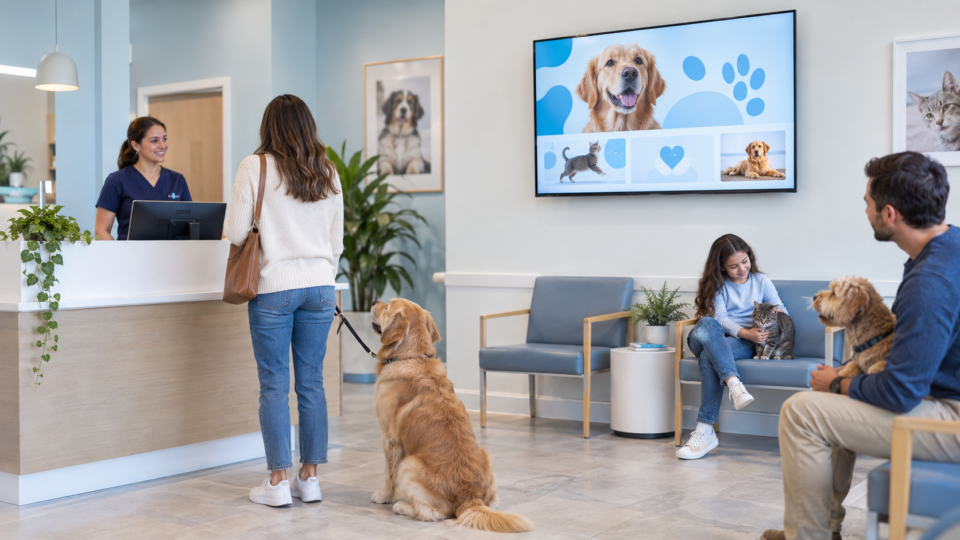
A veterinary waiting-room screen should help an owner feel more prepared, not more alarmed. The best messages answer questions that come up before, during, and after a visit while leaving diagnosis and individual advice to the veterinary team.
Use the wait to prepare a better conversation
Start with the questions your reception team hears every week: “What should I bring?”, “What happens at a first visit?”, or “Should I mention this change?” A clear screen lets an owner raise the right point without turning the lobby into a lecture.
10 veterinary waiting room TV ideas you can use
1. A first-visit welcome
Show what a new client can expect at check-in and remind them to bring prior records if your practice requests them. Keep the wording broad enough that the team can adapt the flow for the pet and appointment.
2. Puppy and kitten questions to bring up
Use a simple “Ask us about…” message rather than a fixed care schedule. It gives a new owner permission to talk about feeding, training, prevention, or early concerns with their veterinary team.
3. Senior-pet observation prompts
Invite owners to mention changes in appetite, movement, sleep, behavior, or daily routine. The message is useful because it helps people notice that ordinary observations are worth sharing, without suggesting what they mean.
4. A preventive-care conversation starter
Explain that routine care is a chance to discuss the pet’s stage of life, lifestyle, and questions. Make the call to action human: “Not sure what to ask? Tell us what has changed.”
5. A dental-care service explainer
If your practice provides dental services, describe the type of conversation an owner can have—comfort, eating habits, breath, or visible concerns—rather than showing graphic imagery or making medical promises.
6. Medication-question checklist
Display a short reminder: bring the current medication list, note a missed dose or reaction, and ask before changing a plan. This can make a follow-up visit more efficient for both the owner and the team.
7. Meet the care team
Use real photos and roles: veterinarian, technician, assistant, or front-desk coordinator. A calm introduction makes the room feel more familiar, especially for anxious owners or children attending with a pet.
8. Microchip or contact-information reminder
Only show this if it applies to your practice. The useful point is administrative: an owner can ask whether their contact information is current and what the practice can help update.
9. Seasonal safety message, reviewed by your team
Keep it timely and limited to one approved message. A holiday reminder should be practical, not frightening, and should disappear when the season is over.
10. A QR code to one approved client resource
Label the destination clearly—new-client forms, after-visit information, or a request page—and confirm it works on a phone. A vague “scan for more” does not give an owner enough reason to act.
Keep the tone calm and specific
A worried owner needs a next step, not an alarming slideshow. Avoid procedure imagery, definitive health claims, or advice that sounds tailored to a pet the screen has never seen. Have the practice approve every health-related message, then rotate it with practical and trust-building content.
For the broader screen framework, read 25 Useful Waiting Room TV Ideas. For veterinary messages focused on prevention, see Veterinary Preventive-Care Messages for the Lobby.
Make the screen a useful part of the visit
Pair and Play gives a veterinary practice a simple way to build, schedule, and update customer-facing screen content. Start with the questions your team already hears and create a calm rotation around them.
Begin with $0 today and two included screens. Review current setup options for Google TV, compatible browsers, and supported devices.