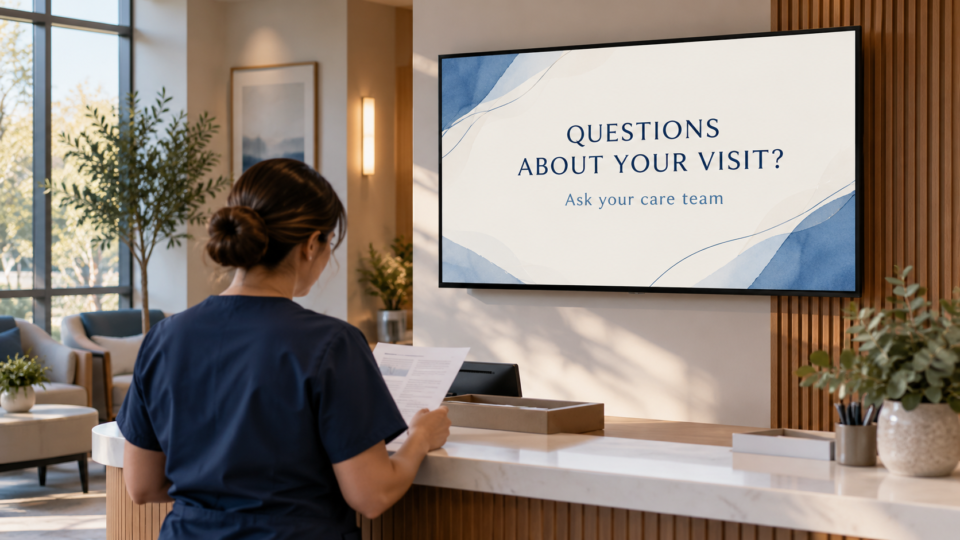
A medical clinic lobby TV should help patients understand the visit experience without crossing into individual medical advice. The strongest messages reduce uncertainty, answer administrative questions, introduce the team, and remind patients how to get help with the next step.
Start with the clinic’s real questions
Ask the front desk and care team what people ask repeatedly. Common examples include how to check in, what to bring, who can help with forms, how follow-up works, and what patients should mention during a visit. Build screens around those answers, then have the appropriate staff approve them.
Useful medical clinic lobby TV ideas
New-patient check-in
Explain the arrival process, forms, and who can assist. Keep it accurate to your clinic rather than borrowing a generic workflow.
What to bring
Use a short checklist tailored to your office, such as identification, insurance information if applicable, or current medication information when requested.
How to prepare questions
Prompt patients to write down concerns, changes, or questions they want to discuss. This is helpful without providing medical advice.
Meet the care team
Show real photos, names, roles, and who handles what. This makes the clinic feel more understandable before the appointment starts.
Follow-up process
Explain how the clinic communicates results, refills, scheduling, or other next steps only as your policies allow.
Financial or administrative support
If your clinic provides financing, forms assistance, or a billing contact, state the real next step and avoid simplifying terms that require staff explanation.
Approved education topics
Use general, clinician-reviewed education that is relevant to the clinic’s patients. Make clear that a screen is not a substitute for a conversation with the care team.
One mobile next step
Use a QR code for an approved page such as patient forms, directions, a portal guide, or appointment request. Say exactly what it opens.
Keep care messages responsible
Do not diagnose, promise outcomes, or use a generic message as if it fits every patient. Keep sentences short, avoid alarmist language, and invite the patient to ask the team when a message raises a question.
For a specialty-clinic approach, read Pediatric Therapy Waiting Room Screen Ideas and What Makes a Useful Customer-Facing Screen?.
Make clinic communication easier to manage
Pair and Play helps clinics keep approved customer-facing messages visible, current, and easy to update.
Start at $0 today with two included screens. See current setup options.