A hotel lobby screen can answer questions before they become front-desk interruptions. The best content helps a guest get oriented, discover what is available, and take the right next step without requiring the lobby to feel like a billboard.
Think through the guest journey
A guest may be checking in, waiting for a room, planning an evening, leaving for an event, or looking for help. Build messages around those moments and keep time-sensitive information current.
Hotel lobby screen ideas
Arrival and check-in orientation
Show where to queue, what documents may be needed, or who can help. Use the actual process at your property.
Amenities and hours
Explain what guests can use and when, such as breakfast, fitness, parking, shuttle, or pool information. Review these messages whenever hours change.
Local directions and transportation
Offer verified, useful direction prompts or a QR code to an approved local guide. Avoid sending guests to outdated recommendations.
Events and meeting information
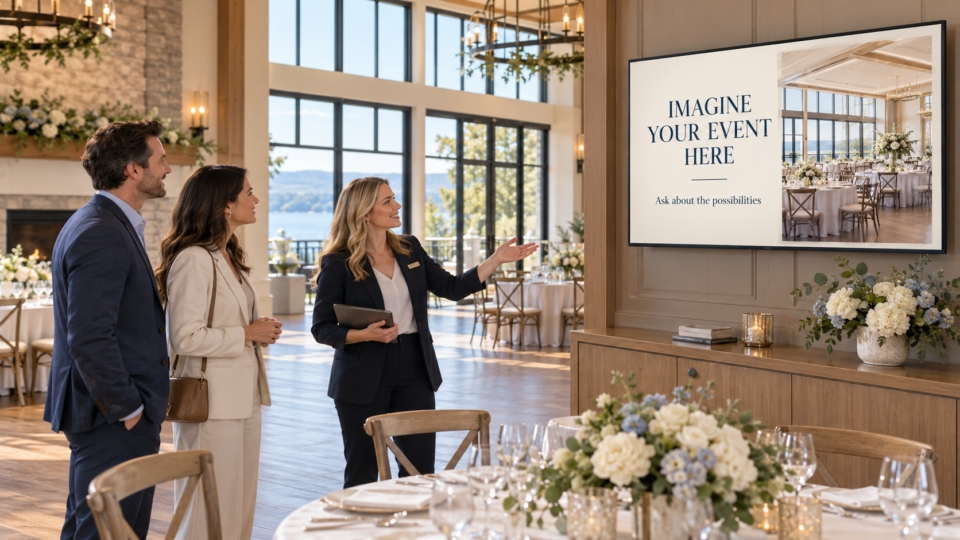
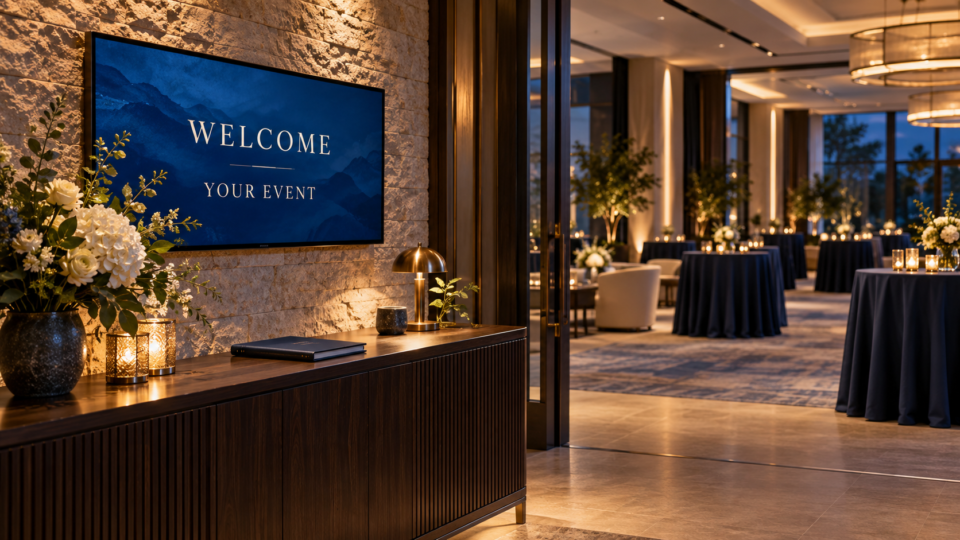
Show current event names, rooms, and timing only when the content can be kept accurate. This is particularly useful for a group arrival.
Dining and nearby options
Introduce the property’s real dining options or approved local resources without implying affiliation where none exists.
Guest-service next steps
Explain how to reach the front desk, request an item, find help, or use a verified service channel.
Checkout reminder
Use practical information about the actual checkout process and any housekeeping or luggage support your hotel provides.
QR code for one guest task
Open a current amenities guide, event schedule, local map, or request form with a label that clearly explains the destination.
Keep it current and considerate
Guests should not have to wonder whether an event, amenity, or local message is old. Assign an owner to review temporary screens, and avoid asking people to read long instructions while they are carrying luggage.
For a similar customer-attention framework, see What Makes a Useful Customer-Facing Screen?. For QR-code guidance, read How to Use QR Codes on a Waiting Room TV.
Make the lobby more helpful
Pair and Play helps hospitality teams keep guest-facing information visible, timely, and easy to update.
Start at $0 today with two included screens. Review setup options.