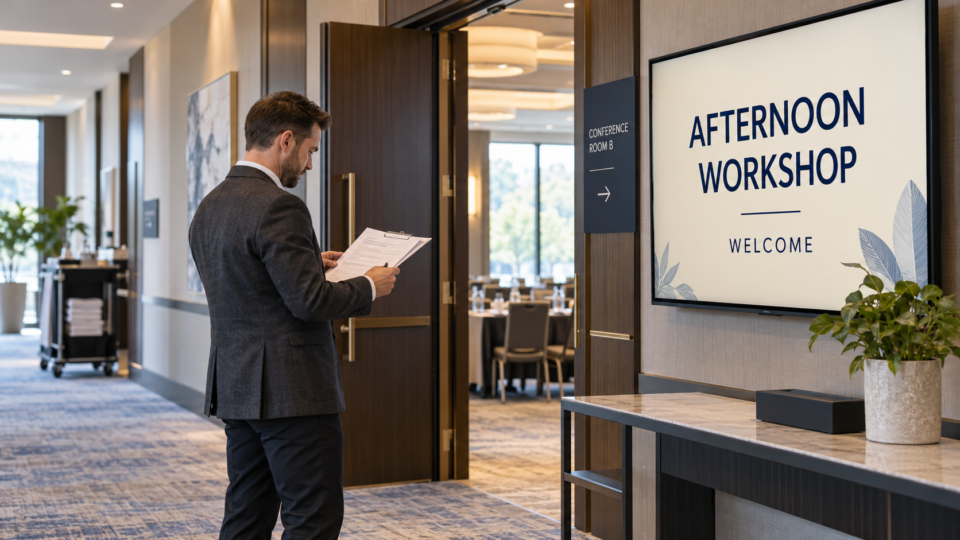
Yes. You can create digital signage without design experience by starting with a real photo or a simple description of what customers should know. Pair and Play’s Screen Maker can help turn that input into a professional customer-facing screen you can review and revise.
You still bring the business knowledge: what you offer, which details are accurate, and what someone should do next. You do not need to choose every font or build a layout from a blank canvas before trying an idea.
Path one: start with a photo you already have
Choose a clear, authorized photo of an actual product, service setting, team member, or venue. A retailer could start with a photo of a new ceramic collection. A restaurant could use the dish it is serving. A venue could use a current room photo.
In Screen Maker, the photo can be the only starting input. If you have a particular message in mind, add an ordinary description or approved wording. For the retailer, that might be “Introduce our new collection and invite customers to ask our team.”
Look at the result alongside the original. Check that the product still looks right and that the design has not added a price, accessory, claim, or location you did not approve. The product-photo promotion guide gives a fuller worked example.
Path two: start with an idea and no photo
A text-based screen can be useful when the message matters more than a product photograph. A clinic may want to invite questions. A service business may need to explain where to ask about an appointment. A store may want to introduce gift cards.
Write a simple description such as “Make a welcoming screen letting customers know we offer gift cards.” If you want specific wording, provide it. You can add a logo or photo later if it improves the design, but neither is required.
In Pair and Play, the photo, description, logo, and exact-wording inputs are all optional. One can be enough. Start with the material that is easiest for you, then request a concrete revision if the first direction needs adjusting.
What you decide and what the tool helps with
| Your business knowledge | The design task AI can help with |
|---|---|
| The one message worth showing. | Turning the idea into a visual layout. |
| Accurate services, wording, prices, and dates. | Presenting the supplied information in a screen design. |
| The real next step for the customer. | Giving that action a clear place in the composition. |
| Whether the finished screen is accurate and appropriate. | Producing another direction or a requested revision. |
Do not treat generated wording as a source of facts about your business. If a design includes an unexpected promise, service, price, or testimonial, remove or correct it before use.
Four beginner mistakes you can fix without becoming a designer
Trying to say everything at once
A screen listing every service, opening hour, offer, staff member, and contact method becomes difficult to scan. Choose one useful message. Put another important topic on its own screen so each idea has room to be understood.
Approving the small preview without reading it
A polished design can hide a wrong name or invented detail. Read the wording separately from judging the appearance. Then check the product image and logo against the files you supplied. Ask someone who knows the business to review details you are unsure about.
Making every screen a promotion
Customers may also need directions, explanations, reassurance, or a clear way to ask for help. Pair a product message with useful education or a team introduction. The screen should help people understand the business, rather than repeat one offer throughout the rotation.
Stopping before the TV check
A design that looks readable on a laptop may be too small, cropped, or affected by glare in the room. Stand where a customer will stand or sit. Simplify the wording, enlarge the important action, or change the design if it does not work there.
When a designer is still a good choice
Use professional design help when the assignment needs a tightly controlled brand system, complex custom artwork, a large coordinated campaign, or a format the tool does not handle well. A designer can also prepare reusable brand assets and solve a direction that remains wrong after reasonable revisions.
Likewise, visual creation does not replace the person qualified to approve medical, legal, regulated, or technical content. Get the wording approved first, then use the design tool to present it.
Make your first test small and complete
Choose one customer question, create one screen, review it, and place it in the correct playlist. Check the selected business and playlist before using Approve and add to playlist, then verify the result on the intended display. The first-screen walkthrough shows that sequence.
Judge whether you can maintain a useful message during ordinary work. For comparing the wider system, see what to look for in AI digital signage software.
Start My 14-Day Screen Test with a photo or an idea you already have. The first task is simply to put one accurate, useful message in front of the customers who are already there.