A useful gift card TV promotion tells customers three things: why a gift from your business could suit the occasion, where they can buy it, and what to ask before choosing it. Keep the screen focused on that decision rather than filling it with every detail of the program.
Gift cards often sit quietly beside the register or inside a website menu. A customer-facing screen gives the team a way to introduce them while someone is already visiting, browsing, or checking out. The invitation can be calm and practical.
Start with the recipient and occasion
Think about who the customer might be buying for. A restaurant could introduce a future meal as a thank-you gift. A salon could help someone choose a gift for a person who likes the business but has a particular service preference. A shop could offer the recipient a chance to select their own item.
Use the genuine strengths of your business. There is no need to lead with a discount or invent a claim that everyone will love the gift. A specific, familiar occasion makes the idea easier to understand.
Place the message where someone can act on it. A checkout display can point to the nearby team member. A seating-area TV may need an instruction about asking before leaving or visiting the business’s real gift-card page.
Confirm the program before writing the screen
Ask the person responsible for gift cards to confirm how customers buy them, what they receive, where they can be used, and how the recipient redeems them. Check whether the program uses monetary value, a specified service, or another format. Do not describe these as interchangeable if they work differently.
Have that person verify the current terms and any restrictions or legally permitted expiry and fee provisions before you mention them. Do not add an expiry date just to create urgency. The screen should reflect the approved program; it should not create new policies.
If purchases happen online, test the actual gift-card page on a phone. If they happen at reception, make sure staff can explain the choices and complete the purchase. A clear invitation is useful only when the next step works.
Three messages worth adapting
These are fictional copy directions. Use a version only after checking that it matches your own program and buying process.
1. A year-round thank-you
A LITTLE THANK-YOU, THEIR WAY
Gift cards available. Ask our team.
This works for a shop, café, or service business where the recipient can choose how to use the card under the program’s terms. It gives the visitor a reason to consider a gift without tying the message to a holiday. Use a restrained gift-card or envelope visual, or a real image of the business.
Keep this version in the normal rotation if the program stays available year-round. It can sit beside product education or a team introduction instead of becoming a continuous sales pitch.
2. A holiday gift with a clear buying location
A GIFT FOR THEIR NEXT VISIT
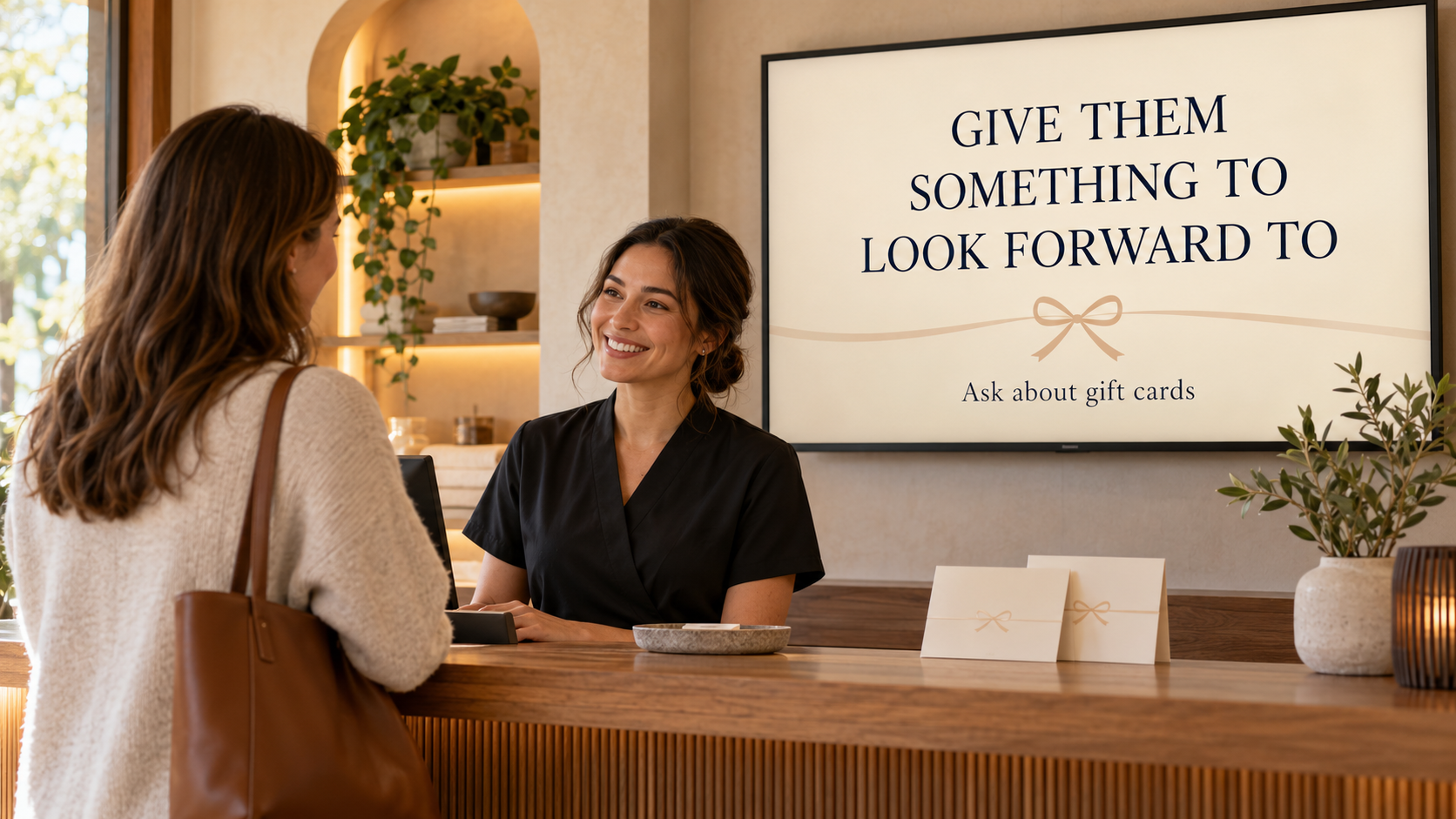
Ask at reception about gift cards.
A salon or wellness business could use this when customers are planning seasonal gifts. The wording directs them to a real person who can explain the program, delivery options, and any conditions. Avoid a specific treatment promise if the recipient’s preferences or suitability still need to be discussed.
Start early enough for the actual purchase process. If digital delivery and physical collection have different cutoffs, make those clear in the appropriate customer information. Remove a dated holiday version when its occasion has passed.
3. A graduation or milestone celebration
CELEBRATE THEIR NEXT CHAPTER
Gift cards available. Ask before you leave.
A restaurant or retailer could use this around a relevant local graduation season. Choose imagery that suits your business and audience, and use the message only during a sensible window. The point is to help someone connect an upcoming occasion with a gift you really offer.
If the event is too far away or does not fit your customers, choose another genuine milestone. Specific relevance is more useful than adding every calendar event to the playlist.
Make the buying instruction easy to follow
Choose one main action: ask the team, visit the gift-card counter, or open a verified online purchase page. If you use a QR code, link directly to the intended page and test it from the real viewing distance. Keep a plain-language instruction beside the code so customers know what will open.
Do not promise that a TV screen issues, activates, sells, or redeems gift cards. Pair and Play displays the message; your business’s gift-card and payment process handles the transaction. Keep those roles clear in staff instructions too.
Create a design that fits your business
In Pair and Play’s Screen Maker, you can start with a short description, a photo, a logo, or exact wording. Each input is optional. For this message, approved wording and a brief description of the business may be all you need.
Review the result for accidental prices, invented terms, incorrect logos, or imagery that suggests something the card does not include. Check the selected business and playlist before using Approve and add to playlist. The Screen Maker guide shows that sequence.
Keep the promotion current
Give one person responsibility for checking the gift-card message whenever the program or purchase page changes. Use scheduling for known campaign windows, and replace a seasonal screen with the evergreen version afterward. The year-round screen calendar guide helps organize those handoffs.
Try one occasion and one buying instruction first. Start My 14-Day Screen Test, place the message where customers can act on it, and ask the team whether it helps explain the gift-card option.